Azure Latch Codes: Complete Rewards Guide
Learn how Azure Latch codes work, how to redeem them, and which rewards matter most so you can upgrade styles, emotes, and playstyles efficiently.
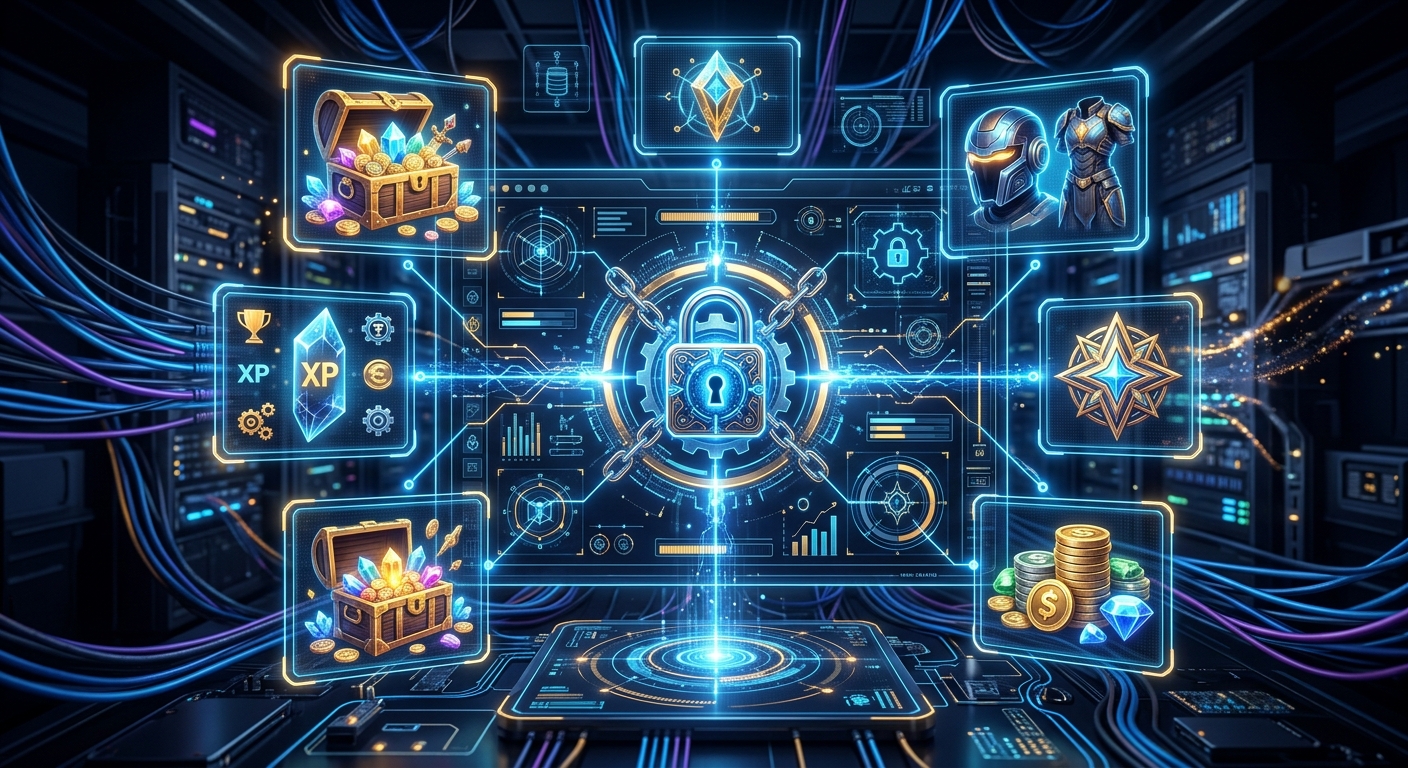
Azure Latch has quickly become one of the more distinctive sports-themed Roblox games thanks to its stylish approach to competitive play, character animations, and flashy cosmetic options. If you want to experiment with new playstyles, unlock more emotes, and pick up unique animations without grinding endlessly, redeemable codes are one of the best tools you have.
This guide explains how Azure Latch codes work, how to redeem them correctly, what types of rewards you can expect, and how to get the most value from every free bundle of currency and cosmetics. The focus is on making sure you understand the system rather than just dropping a raw list of codes that may go out of date.
What Azure Latch Codes Actually Do
Azure Latch codes are short text strings that you can type into an in-game menu to claim free rewards. They are created by the game’s developer and usually released around updates, milestones, or community events. Each code is time-limited and can only be used once per account.
Most codes give some mix of in-game currencies and cosmetics. While the exact rewards change over time, they generally fall into a few clear categories:
- Cash / Yen style currency: Used to purchase or roll for new playstyles, utility items, or other gameplay-adjacent upgrades.
- Style coins: Typically tied to cosmetic purchases such as MVP animations or visual style changes that help your character stand out.
- Emotes: Unique animations you can trigger during or around matches to show off, celebrate, or taunt.
- Special cosmetics or bonuses: Occasionally, codes unlock more unusual items, such as event-limited cosmetics or additional customization options.
Because many of these rewards influence how expressive or distinctive your avatar looks, as well as how quickly you can test new playstyles, staying on top of codes lets you progress faster without spending real-world money.
How to Redeem Azure Latch Codes Without Errors
While every site lists the basic redemption instructions, players often run into avoidable problems like invalid messages or missing rewards. The steps below break down how to redeem codes and include some common troubleshooting tips.
Step-by-step redemption instructions
- Launch Azure Latch on Roblox.
Start the game as normal and let it load into the main lobby. Avoid clicking random UI elements while assets are still loading. - Wait until the lobby UI is fully visible.
If buttons are missing or greyed out, give the game a moment. Trying to redeem codes before the UI settles can cause input bugs or visual glitches. - Open the main menu.
Look for the Menu button at the bottom of your screen. Click or tap it to open the central control panel. - Navigate to the rewards area.
Within the menu, find the tab usually labeled something along the lines of Rewards. This is where the code input box is located. - Paste your code into the text box.
Copy the code from a source you trust and paste it into the Code field. Avoid typing by hand to reduce mistakes with capitalization or long phrases. - Confirm and redeem.
Press the Redeem button. If the code is valid and your account meets any requirements, your rewards should appear almost instantly.
Essential best practices
- Copy and paste every code: Many Azure Latch codes are long, sentence-like phrases that are easy to mistype. Copy-paste prevents minor spelling errors from causing failures.
- Match capitalization exactly when required: Some codes are case-sensitive. Even if the game occasionally accepts variations, treat the displayed format as mandatory.
- Redeem codes one at a time: If multiple codes are available, submit them individually and wait for each reward message to confirm.
- Check your inventory afterward: For currencies, look at your balance before and after redemption; for emotes or animations, open the relevant customization tab to ensure they unlocked correctly.
Why you may still see “code invalid”
Even when you follow the steps perfectly, you might see an error message. Common causes include:
- Expired codes: Many codes are only active during a specific update period or event window. If the developer disables the code, it becomes permanently unusable.
- Already redeemed: Each code generally works once per account. If you’ve redeemed it before, the game will block additional attempts.
- Region or group requirements: Some games restrict codes to members of their official Roblox group or community. If Azure Latch uses such a requirement, join the associated group, relaunch the game, and try again.
- Temporary server issues: Rarely, Roblox or the game’s own servers may be unstable. If you suspect that’s the case, wait a bit and retry.
Types of Rewards and Why They Matter
Not all reward types carry equal value, especially if you’re just starting out. Understanding what each currency does and where to invest it will keep you from wasting your hard-earned free resources.
Cash / main in-game currency
The primary currency in Azure Latch is typically used to unlock or roll for gameplay-related elements and broader upgrades. In practice, it helps you:
- Experiment with new playstyles faster rather than grinding purely through matches.
- Adjust your build or setup to keep up with patch changes or meta shifts.
- Recover from poor early spending decisions without starting from scratch.
When a code grants a chunk of cash, consider saving it for bigger purchases—such as major playstyle unlocks or updates where new mechanics arrive—rather than spending immediately on minor upgrades.
Style coins and cosmetic-focused currency
Style coins are often tied to cosmetic elements like MVP animations, visual styles, and ways to personalize your avatar’s presence on the field. While these do not usually give a raw gameplay advantage, they:
- Make your character more recognizable to friends and opponents.
- Give you more expressive options when you score or win.
- Let you support the game’s creative vision by using more of its custom animations.
Because style-heavy purchases don’t affect your competitive power directly, they are ideal for code-based currencies. Using free style coins on flashy animations is often more satisfying than grinding long hours for purely visual upgrades.
Emotes and special animations
Emotes are usually either unlocked one by one or in bundles. Code-exclusive emotes can make your collection feel unique without costing your main currency. Watch for codes that explicitly say they grant an emote—these are often themed around specific events, memes, or characters referenced by the developer.
Comparing reward types at a glance
| Reward Type | Main Use | Impact on Gameplay | Best Use Case |
|---|---|---|---|
| Cash / Yen | Unlock playstyles, broader upgrades | Moderate to high | Saving for major unlocks or patch updates |
| Style Coins | MVP animations, visual styles | Cosmetic only | Customizing your look, showing off |
| Emotes | Expressive actions in and out of matches | Cosmetic only | Event themes, social play, content creation |
| Special Cosmetics | Limited-time visual items or effects | Cosmetic only | Collectors and long-term fans |
How to Tell Whether a Code Is Worth Using
Because most codes are free and one-time, “worth using” really means “worth prioritizing.” When you see a list of codes with unknown expiry dates, start with those that give the most strategically valuable rewards.
Prioritization tips
- Gameplay-supporting rewards first: If a code grants a large amount of cash or anything that accelerates your mechanical progression, redeem it as soon as possible.
- Unique or event-limited emotes next: Emotes that seem tied to seasonal events or specific updates may not return. Grab them early if you enjoy expressive play or making videos.
- General style coin codes afterward: These are still valuable, but don’t usually expire as quickly as big, celebratory codes.
- Expired lists are still useful: Even if a site lists expired codes, use those lists to recognize naming patterns. Developers often riff on past phrases when creating new codes.
Staying Up to Date With New Azure Latch Codes
Because codes come and go, you’ll get the most value by having a basic routine to check for new ones. While you should always be careful about low-quality sources, there are a few reliable places to watch:
- Roblox game page: Many developers use the game’s description or update notes to announce new codes or events.
- Official social channels: If Azure Latch maintains a group, server, or social feed, these are prime spots for code drops during patches and milestones.
- High-quality gaming news outlets: Sites with dedicated Roblox or live-service coverage often compile updated code lists and note when older ones expire, making them helpful reference points.
Whatever sources you check, avoid pages that look like automatically generated lists with no context or explanation. Authentic code guides explain how to redeem the codes, what they do, and often reference patch cycles or events.
Safe Code Redemption and Account Security
Redeeming a code inside the Azure Latch client is safe as long as you’re using legitimate in-game menus and official Roblox infrastructure. Problems arise when players wander outside those boundaries. To keep your account secure:
- Never enter your password on third-party sites for codes: Roblox support explicitly warns against sharing account credentials with unofficial sites, which is a common route for scams and account theft.
- Avoid executable downloads promising free codes: Tools that claim to auto-redeem codes or generate currency can contain malware or violate Roblox’s terms of use.
- Use Roblox’s two-step verification: Enabling additional verification adds a layer of protection if your password is ever compromised.
- Bookmark trusted sources: Once you find one or two reliable guides, bookmark them instead of searching blindly and risking low-quality or malicious pages.
Strategic Use of Free Rewards
Collecting rewards is fun, but you’ll get better long-term results if you treat codes as part of your overall progression plan.
Early-game strategy
When you’re new to Azure Latch, focus on:
- Unlocking at least one reliable playstyle: Use cash-heavy code rewards to secure a solid, comfortable build that lets you learn the core mechanics.
- Securing a single standout animation: Spend the first batch of style coins on one animation you really like instead of spreading them thinly across minor cosmetics.
- Testing movement and positioning: With more playstyles unlocked, you can practice different roles and see which one matches your preferred pace.
Mid- to late-game strategy
Once you know the basics and have a few core styles unlocked, you can use codes to refine your experience:
- Build a flexible roster of styles: Use additional currency to acquire options that counter common strategies used in your matches.
- Invest in personality and identity: At this point, unique emotes and MVP animations become more valuable since they help you stand out to returning teammates or rivals.
- Keep a small savings buffer: Don’t rush to spend every last coin from a new code; holding a buffer lets you respond quickly when a major update lands and shakes up the meta.
Frequently Asked Questions
Do I need to join a group to redeem Azure Latch codes?
Some Roblox experiences require you to join their official group before you can use in-game codes. If Azure Latch uses this system, you’ll see hints on the game’s main page or in the code redemption menu. Joining is simple: open the developer’s group page, click Join Group, and then restart the game before trying again.
Can codes give a competitive advantage?
Codes mainly speed up access to currencies and give cosmetic rewards. While they can help you unlock playstyles faster, they do not usually grant exclusive gameplay power that non-code users can never get. In other words, they are an acceleration tool rather than a permanent advantage.
Why do some sites list different rewards for the same code?
Azure Latch is occasionally updated, and the developer may tweak or clarify the rewards associated with each code. Additionally, some writers simplify reward descriptions with phrases like “free rewards” instead of specifying exact numbers. Treat those summaries as approximations rather than precise accounting.
What should I do if a working code doesn’t give me rewards?
If the game confirms that the code was redeemed but you don’t see a change immediately:
- Check whether the reward was an emote or animation rather than currency.
- Close and reopen the relevant menu (like your cosmetics tab) to refresh the UI.
- Rejoin the game if your balances look frozen or unchanged.
- If problems persist, look on the game’s official channels to see whether there are known issues or maintenance notices.
Are there limits to how many codes I can redeem?
You can typically redeem each unique code once per account. There is no strict cap on the number of different codes you can use, but reusing the same code on the same account will fail once it is marked as redeemed.
Final Thoughts
Azure Latch codes are a simple but powerful way to enhance your experience, especially if you enjoy experimenting with different playstyles and building a distinctive on-field identity. By understanding how codes work, redeeming them correctly, and investing the rewards strategically, you can make the most of every update and event without spending extra money.
Keep an eye on trusted channels for new code drops, double-check expiry information, and treat your currencies as resources to manage rather than impulses to spend immediately. With that mindset, every code becomes a small but meaningful upgrade to your time in Azure Latch.
References
- Protecting Your Account — Roblox Support. 2023-06-15. https://en.help.roblox.com/hc/en-us/articles/203313410-Protecting-Your-Account
- How to Enable 2-Step Verification — Roblox Support. 2024-02-08. https://en.help.roblox.com/hc/en-us/articles/212459863-How-to-Enable-2-Step-Verification
- Joining Groups — Roblox Support. 2022-11-03. https://en.help.roblox.com/hc/en-us/articles/203313870-Joining-Groups
- Roblox Community Standards — Roblox. 2023-09-20. https://en.help.roblox.com/hc/en-us/articles/203313410-Roblox-Community-Standards
- News and Events — Roblox Blog. 2024-01-12. https://blog.roblox.com
Similar Articles








Read full bio of Sneha Tete