Clash Royale Codes and QR Rewards Guide (May 2026)
Learn how Clash Royale Store and QR codes work, which rewards you can earn for free, and how to redeem them safely and efficiently.
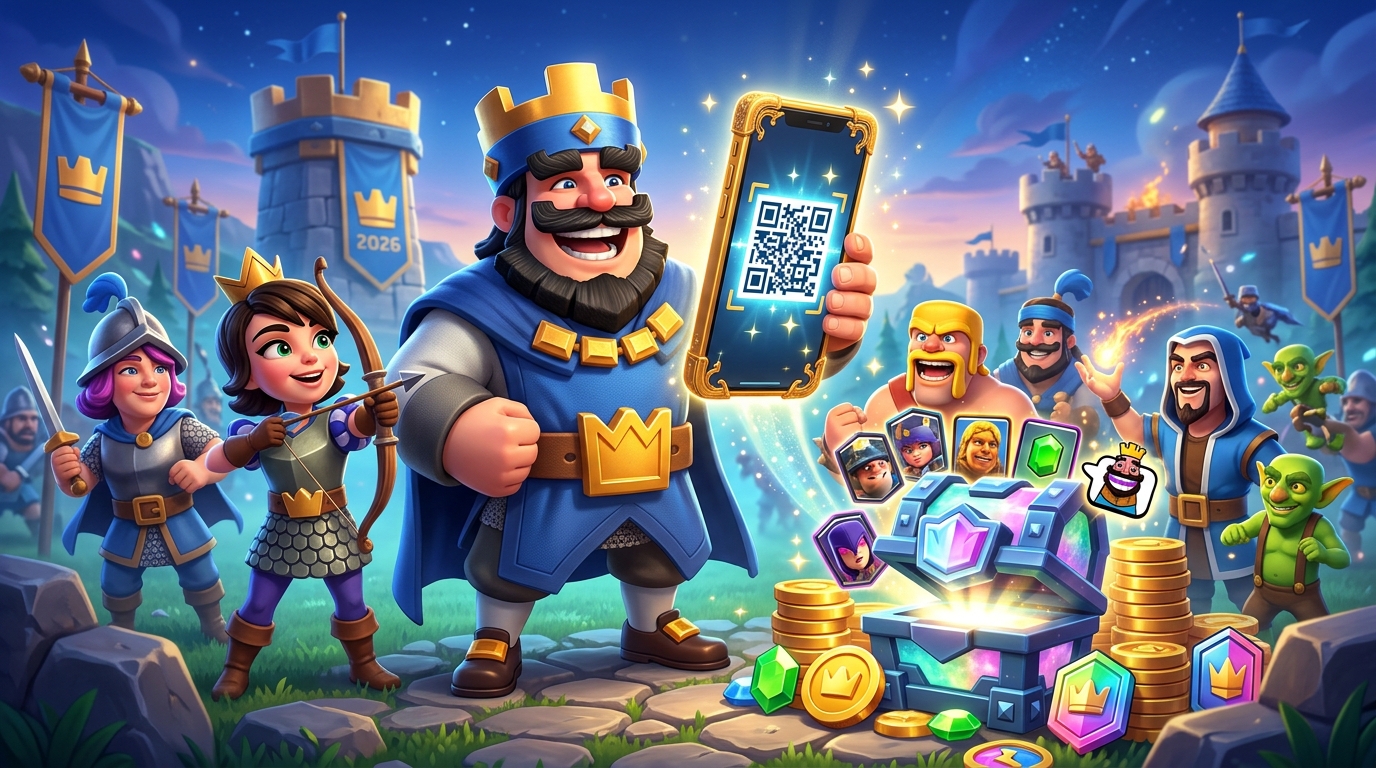
Clash Royale regularly hands out free rewards through promotional codes and QR links. If you know where to look and how to redeem them correctly, you can grab exclusive emotes, banners, and even valuable chests and Gold without spending a cent. This guide walks you through the different types of codes, how to use the official Clash Royale Store and QR codes, and what to watch out for with expired or unofficial offers.
1. What Clash Royale Codes Actually Do
Promo codes in Clash Royale are short strings of letters, numbers, and sometimes symbols that unlock in-game rewards when redeemed through official channels. They are usually released by Supercell to celebrate updates, anniversaries, esports events, or partner campaigns.
Depending on the specific promotion, codes can grant:
- Cosmetics – unique emotes, banner decorations, and banner frames.
- Progression boosts – Gold, chests, and other gameplay-related items.
- Limited-time exclusives – items that may never return once a code expires.
Unlike many games where you enter codes directly in a settings menu, Clash Royale routes most redemptions through the official Supercell Store website, with QR codes providing a shortcut for mobile players.
2. Understanding the Different Code Types
The current Clash Royale ecosystem uses three main types of promotional codes. Knowing the difference helps you redeem them in the right place and avoid frustration.
2.1 Store Promo Codes
Store codes are the traditional text-based codes you see in most guides. They are entered on the official Clash Royale Store once your game account is linked to a Supercell ID.
Typical Store code rewards include:
- Exclusive emotes themed around special seasons or events.
- Banner decorations and frames for customizing your player profile.
- Occasional chests or Gold, depending on the promotion.
Store codes often include capitalization or punctuation that must be copied exactly (for example, exclamation marks at the end). If a code isn’t typed precisely as intended, the Store will show it as invalid.
2.2 QR Codes for Instant Rewards
Supercell also releases QR codes that you scan with your phone’s camera or tap directly if you’re browsing on mobile. These QR codes act as direct links to a reward page connected to your game account.
Typical uses of QR codes include:
- Quickly granting a cosmetic item without typing any text.
- Jumping from a web article or social post straight into the game to collect rewards.
- Providing time-limited freebies during campaigns or creator collaborations.
Some QR codes simply open the Supercell Store with a Store code pre-filled, while others send you directly into Clash Royale to claim the reward. In both cases, your Supercell ID authentication determines where the items are delivered.
2.3 Creator Codes (Support-a-Creator)
Separate from free reward codes, Clash Royale has creator codes that let you support content creators when you make purchases. These codes don’t usually grant direct in-game items, but they route a percentage of spending to the creator partnered through Supercell’s program.1 You can activate a creator code in the in-game Shop, and it will stay active for a limited time before needing to be re-entered.
3. Preparing Your Account: Supercell ID Basics
Because most Store promos and many QR code rewards rely on your Supercell ID, you should set this up before you try to redeem anything. Supercell ID is Supercell’s official login system, allowing you to sync progress, protect your account, and move between devices.2
3.1 Why You Need Supercell ID for Codes
When you redeem a code through the Clash Royale Store or a QR link, the reward is tied to your Supercell ID, not just your device. This design:
- Ensures rewards are delivered to the correct account.
- Prevents abuse through multiple device redemptions.
- Helps you recover rewards if you reinstall the game or swap phones.
3.2 How to Set Up Supercell ID
If you haven’t already created a Supercell ID, follow this general process (specific menu labels can change after updates):
- Open Clash Royale on your device.
- From the main screen, look for the menu button (often the three-line icon) in the top corner.
- Tap the Supercell ID option.
- Choose to register a new account and enter a secure email address you control.
- Confirm your registration using the verification code sent to your email.
- Once confirmed, ensure you are logged into this Supercell ID on all devices you play on.
Supercell’s official documentation emphasizes the importance of not sharing your Supercell ID verification codes and avoiding third-party login tools, as these can compromise your account security.2
4. Redeeming Store Codes Step by Step
Once your Supercell ID is ready, you can redeem Store codes through the official web portal. The process is always done outside the game app, even though rewards arrive in-game.
4.1 Step-by-Step Store Redemption
- Open a browser on your phone or PC and navigate to the Clash Royale Store.
- Log in with the same Supercell ID you use for Clash Royale.
- On the Store homepage, scroll down to the bottom until you see a section labeled similarly to Redeem a Store Code.
- Carefully paste or type your code into the text box. Make sure to include all characters exactly as shown (capital letters, numbers, and symbols).
- Click the button to submit the code.
- If the code is valid and still active, a confirmation window should display the reward associated with that code.
- Confirm the redemption. The reward will be linked to your account and should appear the next time you launch Clash Royale while logged into the same Supercell ID.
4.2 Common Store Code Problems
If your code appears not to work, consider these frequent issues:
- Typos – Many codes require exact punctuation; an extra space or missing exclamation mark can break them.
- Expired codes – Promotions often have limited windows. Even if a guide still lists a code, it may have already expired on the server.
- Wrong account – Double-check you’re logged into the same Supercell ID you use in Clash Royale, especially if you have multiple accounts.
- Region or eligibility limits – Occasionally, codes are tied to a specific region or partnership campaign.
5. Using QR Codes for Clash Royale Rewards
QR codes are increasingly common in Clash Royale promotions because they greatly simplify the redemption process, especially on mobile devices.
5.1 How QR Redemption Works
When you scan an official Clash Royale QR code, it typically redirects you to a secure Supercell URL. From there, one of two things happens:
- You are taken to a web page that lets you confirm the reward, after which the game launches with the item ready to claim.
- You are routed to the Supercell Store with a linked Store code already entered, requiring only final confirmation.
5.2 Step-by-Step QR Scanning Guide
- Open your smartphone’s default camera app or a reputable QR scanner.
- Point the camera at the QR code, making sure it’s fully visible and in focus.
- Wait for a notification or link to appear; tap it to open the associated web page.
- Ensure you are either already logged into your Supercell ID in the browser or log in when prompted.
- Follow the on-screen instructions to confirm your free reward.
- Launch Clash Royale. The rewards should appear in your account automatically or as a claimable bundle when you log in.
5.3 Safety Tips for QR Codes
QR codes can be abused by scammers if you scan them blindly. To stay safe:
- Verify the source – Only scan QR codes from official Supercell channels (website, in-game news, official social media) or highly reputable gaming outlets.
- Check the URL – When your device displays the link, confirm that the domain is legitimately associated with Supercell (such as
supercell.com). - Avoid third-party login requests – Never enter your Supercell ID credentials on unfamiliar sites.
Supercell’s terms of service warn against using unofficial websites or tools that ask for account details, as this may lead to permanent account loss.3
6. Active vs. Expired Codes: How to Tell the Difference
Most code lists distinguish between active and expired codes, as expired promotions cannot be reactivated even if you have the text. This is decided entirely on the server side by Supercell.
6.1 Why Codes Expire
Promotional codes are generally short-lived because they are tied to specific campaigns. Common reasons for expiration include:
- End of a seasonal event or anniversary celebration.
- Completion of a limited-time marketing partnership.
- Scheduled rotation to make room for future promotions.
Once a code expires, entering it will typically yield an error message or no reward prompt at all, even if the code previously worked for other players.
6.2 Checking if a Code Still Works
There is no official public database listing active codes, but you can use a few strategies:
- Test it in the Store – If the Store accepts it and shows a reward, it’s still active.
- Cross-check multiple reputable guides – Gaming publications with editorial oversight tend to update lists when codes expire.
- Look at the campaign timing – Codes tied to old seasons or previous-year events are likely expired unless explicitly stated otherwise.
7. Maximizing Value from Clash Royale Codes
While codes are free, you can still plan around them to get the most benefit, especially if you play regularly and care about progression or cosmetics.
7.1 Prioritizing Cosmetic vs. Gameplay Rewards
Many modern Clash Royale codes focus heavily on cosmetic items—emotes, banners, and frames. These don’t directly impact your win rate, but they do:
- Showcase your involvement in limited events.
- Let you personalize your identity in leaderboards and battles.
- Hold collector value for long-term players who’ve been around multiple seasons.
When codes provide gameplay items (such as Gold or chests), consider saving any associated rewards until you’re at a stage where they provide maximum benefit, like completing key upgrades in mid- to late-game card levels.
7.2 Tracking New Codes Efficiently
To avoid missing time-limited promotions, you can:
- Regularly check the in-game News tab, where Supercell highlights major events and sometimes rewards.
- Follow Clash Royale’s official social media accounts for announcements.
- Bookmark a small number of high-quality guide sites that clearly label active and expired codes.
External gaming news outlets often publish updates when major code drops happen or when important events introduce new QR rewards.
8. Common Questions About Clash Royale Codes
8.1 Can I redeem Clash Royale codes directly in the game?
Most Store promo codes cannot be entered inside the app itself. They must be redeemed via the official Supercell Store website while you are logged into your Supercell ID. QR codes may launch the game for final confirmation, but the actual redemption still passes through official web services in the background.
8.2 Do codes work on every device linked to my account?
Yes. Rewards are tied to your Supercell ID, not to individual devices. Once a code is applied, the item is available on any device where you load Clash Royale using the same Supercell ID.
8.3 Can I use the same code on multiple accounts?
It depends on the promotion. Some codes are strictly one-time use per Supercell ID, while others may have broader eligibility. However, using third-party tools or methods to bypass restrictions can violate Supercell’s terms of service and risk your account.3
8.4 Why do some codes include symbols and capital letters?
Supercell often designs codes to be thematic, referencing characters, card names, or event slogans. This leads to mixed case and punctuation (like exclamation marks). Always copy the code exactly as shown; altering the case or leaving off symbols can cause the Store to reject it.
8.5 Are creator codes the same as free reward codes?
No. Creator codes simply ensure part of your real-money purchases support a selected creator. They don’t normally grant direct free items. Promo codes and QR event codes are the ones that give you free in-game rewards.
9. Quick Reference: Store vs. QR Codes
| Feature | Store Codes | QR Codes |
|---|---|---|
| How you use them | Manually entered on the Supercell Store website | Scanned or tapped to open a reward or Store page |
| Typical rewards | Emotes, banners, occasional Gold or chests | Cosmetics and promotional freebies, often time-limited |
| Device requirement | Any device with a browser | Best experience on a smartphone or tablet with a camera |
| Supercell ID needed? | Yes, to log in to the Store | Yes, to bind rewards to your account |
| Risk of typos | High – must match formatting exactly | Low – no typing required |
By combining both Store and QR codes and keeping your Supercell ID secure, you can steadily build a collection of cosmetic and gameplay rewards that mark your progress through Clash Royale’s ongoing events and seasons.
References
- Supercell Creators: Support a Creator — Supercell. 2024-02-15. https://supercell.com/en/creators/
- Supercell ID: Securely Save Your Game Progress — Supercell. 2023-11-08. https://supercell.com/en/supercell-id/
- Supercell Terms of Service — Supercell. 2023-06-01. https://supercell.com/en/terms-of-service/
- Clash Royale – Official Supercell Store — Supercell. 2025-09-10. https://store.supercell.com/clashroyale
- Clash Royale FAQ — Supercell Support. 2024-03-19. https://help.supercellsupport.com/clash-royale/en/
Similar Articles








Read full bio of Sneha Tete