How to Avoid Fake Samsung 990 Pro SSDs
Counterfeit NVMe drives are spreading across Europe—learn the visual, technical, and buying checks that keep your storage upgrades safe.
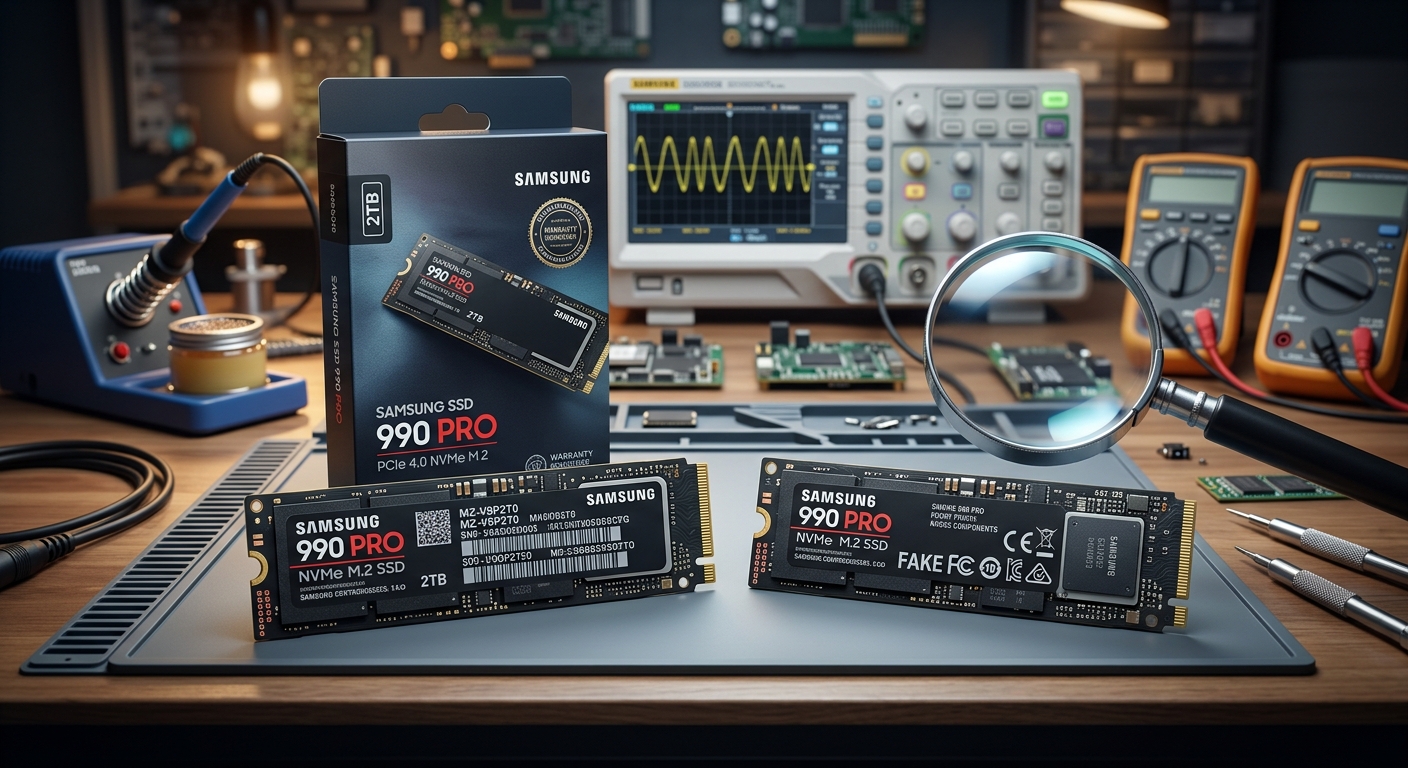
The Samsung 990 Pro is one of the most popular high‑end NVMe SSDs for gaming PCs and workstations. That popularity has made it a prime target for counterfeiters, and reports of fake 990 Pro drives circulating in Europe are growing. These fakes may arrive in convincing boxes and even carry seemingly correct labels, yet they often deliver terrible performance or fail outright.
This guide uses those recent reports as a starting point, then expands into a broader, practical walkthrough of how to spot fake SSDs, how to verify a Samsung drive with official tools, and how to buy storage safely in the first place. The focus is on PC builders and upgraders in Europe, but the same principles apply worldwide.
Why Counterfeit NVMe SSDs Are a Serious Problem
Counterfeit storage is not just a minor annoyance. An SSD that is not what it claims to be can corrupt data, dramatically slow down your system, or fail with no warning. Because SSDs often store your operating system, documents, and game libraries, the damage can be significant.
- Data loss risk: Fake drives often use low‑quality flash memory or recycled components. Under heavy use, they may corrupt files or become unreadable.
- Security issues: Some counterfeit hardware has been found with pre‑installed malware in other contexts, and supply‑chain tampering is a recognized attack vector in cybersecurity research.1
- Wasted money: Instead of a fast PCIe 4.0 NVMe drive, you might be getting an old, slower controller with a new sticker.
- No warranty or support: Counterfeit products are not covered by Samsung’s warranty, leaving you without official recourse.
Large tech companies and researchers have been warning about hardware counterfeiting for years; for example, the U.S. Department of Homeland Security has highlighted counterfeit electronics in the IT supply chain as a systemic risk.2 SSDs are a natural extension of that problem.
How Fake Samsung 990 Pro SSDs Are Being Sold
Recent reports from hardware news outlets describe counterfeit 990 Pro drives sold to European buyers through third‑party marketplace listings and smaller online stores.3 The packaging can look surprisingly legitimate, including printed boxes and stickers that mimic Samsung’s style. However, these fakes often share common traits:
- They frequently use a blue PCB instead of the typical black PCB associated with genuine Samsung 990 Pro drives.
- They may show obviously incorrect specifications in system tools once installed.
- Some units do not function at all or are detected as much smaller capacity drives.
The existence of such convincing-looking counterfeits means you should never judge authenticity solely by the retail box. You need a combination of visual inspection, software checks, and performance verification.
Visual Checks: Physical Signs of a Fake 990 Pro
Before you even power on your system, you can perform several physical checks on a new NVMe SSD. These checks are not foolproof, but they are quick and can raise early red flags.
1. PCB Color and Overall Appearance
While manufacturers sometimes change board colors between revisions, the 990 Pro line is widely recognized for using a black PCB on retail models. Counterfeit drives identified in Europe have been reported with a blue PCB that clearly diverges from what buyers expected for this model.3
- If your 990 Pro has a bright blue PCB, treat that as a major warning sign.
- Compare the drive to official Samsung product imagery on Samsung’s SSD product page for an initial sanity check.
2. Label Quality and Print Accuracy
Counterfeiters often copy the layout of official labels but fail on finer details. Look for:
- Font consistency: Uneven fonts, mismatched typefaces, or misaligned text can indicate a fake.
- Color and clarity: Genuine labels are sharp, with consistent color and no fuzzy edges.
- Regulatory logos: CE marks and other symbols should be crisp and correctly proportioned.
- Model name accuracy: Check for missing characters, wrong order, or unusual spacing in “Samsung 990 PRO” and capacity markings.
3. Packaging Details
Packaging alone cannot prove authenticity, but obvious mistakes are meaningful.
- Inspect spelling, grammar, and punctuation on the box and inserts.
- Compare the box layout to images from Samsung’s official site or major retailers with high standards (e.g., large European tech retailers).
- Check that included documentation references current product names and software (e.g., Samsung Magician).
Software Verification with Samsung Magician
A powerful step in verifying a Samsung SSD is using the company’s own management tool, Samsung Magician. Samsung provides Magician as a free download and uses it to expose detailed information about your drive.
You can obtain the software directly from Samsung’s official site:4
- Visit Samsung’s storage tools page.
- Download and install Samsung Magician for your operating system.
What Samsung Magician Can Tell You
Once installed and your SSD is connected, Samsung Magician can reveal key information that helps confirm authenticity:
- Drive model and capacity: Magician should recognize the drive specifically as a Samsung 990 PRO with the correct capacity (e.g., 1 TB or 2 TB).
- Serial number: The tool displays the serial number encoded in the drive’s firmware. Some Samsung documentation and OEM portals allow limited verification of these numbers, and support staff may check them when you submit a warranty request.
- Genuine vs counterfeit flag: Recent versions of Magician include authenticity checks for certain models and may explicitly indicate whether a drive appears genuine.
- Firmware version: Genuine drives run Samsung’s official firmware, which you can cross‑check against firmware release notes.
Samsung positions Magician as one of the primary tools for drive management and verification, and it is referenced in their official consumer SSD documentation.4
Performance and Specification Sanity Checks
Even if a fake SSD manages to mimic identifiers, it typically fails to match the performance and behavior of a real 990 Pro. After installing your drive and operating system (or using it as a secondary drive), run some basic checks.
Confirming Interface and Link Speed
Use tools like CrystalDiskInfo (on Windows) or nvme list (on Linux) to confirm:
- The drive is detected as an NVMe SSD, not SATA.
- The negotiated link is PCIe 4.0 x4 (or at least x4 on a PCIe 4.0‑capable slot).
A drive advertised as a 990 Pro but reporting as PCIe 3.0 x2 or a SATA device is likely not authentic.
Benchmarking Read and Write Speeds
The 990 Pro’s official specifications list high sequential read and write speeds (on the order of 7 GB/s sequential reads for many capacities), as detailed on Samsung’s product pages.5 While real‑world benchmarks rarely match best‑case marketing numbers exactly, they should be in the same general range.
Use a tool such as CrystalDiskMark or a similar benchmark and compare:
| Test | Authentic 990 Pro (Approximate) | Typical Counterfeit Behavior |
|---|---|---|
| Sequential read | 5000–7500 MB/s (depending on capacity and system) | Often under 1000 MB/s, sometimes far lower |
| Sequential write | 4000–7000 MB/s (approximate ranges) | Can plunge to ~100–500 MB/s after a small cache is filled |
| Random 4K reads/writes | High IOPS consistent with premium NVMe drives | Closer to older SATA SSD levels or worse |
Huge gaps between expected and measured performance, especially when the drive is otherwise idle, are a common sign that you are not dealing with genuine 990 Pro hardware.
Buying Safely: Reduce the Risk Before You Order
While detection methods are useful, the safest approach is to minimize your exposure to counterfeit products in the first place. Several practical steps can help.
Choose Trusted Retailers and Official Channels
Major EU retailers and Samsung’s own partners are less likely to ship counterfeit stock than unvetted third‑party sellers. When possible:
- Buy directly from Samsung’s official store (online or physical) where available.
- Use large, established electronics retailers with clear return and authenticity policies.
- On marketplaces, prefer items sold and shipped by the platform itself rather than by unknown individual sellers.
Some national consumer protection agencies in Europe also publish guidelines on safe online shopping and counterfeit detection, reflecting the scale of the problem.6
Be Skeptical of Unusually Low Prices
Counterfeit SSDs often lure buyers with discounts that are dramatically lower than established market prices. While legitimate sales do occur, especially around big events, extremely cheap offers for high‑end drives should be approached with caution.
- Compare prices across multiple reputable retailers.
- If one listing is 40–60% cheaper than everyone else with no obvious reason, it may be a red flag.
Check Seller Ratings and Product Reviews Carefully
Ratings and reviews are not infallible, but patterns can help:
- Look for reviews that specifically mention fake or non‑Samsung drives.
- Be suspicious of product pages where recent reviews show a mix of genuine and fake reports, suggesting commingled stock.
- Prioritize sellers with long histories and consistent feedback.
What to Do If You Suspect Your SSD Is Fake
If your checks reveal inconsistencies—blue PCB, suspicious label, wrong performance, or Samsung Magician refusing to recognize the drive correctly—treat the drive as potentially counterfeit and act quickly.
- Stop storing important data on the drive. Back up anything already written to it using another (trusted) drive.
- Document the evidence:
- Take clear photos of the drive, label, and packaging.
- Capture screenshots from Samsung Magician and any benchmark tools used.
- Contact the seller with your evidence and request a refund or replacement. Reputable retailers often cooperate when presented with detailed proof.
- Reach out to Samsung support if you want confirmation. They may check serial numbers or advise on next steps regarding counterfeit reporting.
- Consider notifying your local consumer protection agency if you believe a seller is distributing counterfeit hardware at scale.
Quick Checklist: Authentic 990 Pro vs Likely Fake
Use this quick checklist after purchasing a Samsung 990 Pro:
- PCB is black (not bright blue) and matches official product photos.
- Label text is sharp, correctly spelled, and aligned.
- Samsung Magician recognizes the drive as a 990 PRO with the correct capacity.
- The drive uses PCIe 4.0 x4 NVMe and delivers performance within realistic ranges of Samsung’s published specs.
- You purchased from a trusted retailer with a clear return policy.
FAQ: Common Questions About Fake Samsung SSDs
Are all blue‑PCB Samsung SSDs fake?
No. Samsung has produced drives on different PCB colors in various product lines and OEM contracts. However, if a consumer 990 Pro you bought at retail shows an unexpected blue PCB and other signs of poor quality, treat it as highly suspect and verify with Samsung Magician and performance testing.
Can a fake SSD still show “Samsung 990 Pro” in system tools?
Yes, in some cases. Firmware identifiers can be spoofed or modified. That is why multiple checks—physical inspection, Samsung Magician, performance benchmarks, and retailer reputation—should be combined rather than relying on a single tool.
Will Samsung honor the warranty on a counterfeit drive?
No. Counterfeit products are not covered. If Samsung determines a drive is not genuine, they will typically reject warranty claims. In that situation, your recourse is with the seller, the marketplace, or consumer protection authorities.
Are only 990 Pro drives affected?
While current reports highlight the 990 Pro, any popular SSD model may be counterfeited over time. Always be cautious when buying high‑demand hardware from unknown or heavily discounted sources.
Is it safe to keep using a suspected fake if it “works”?
Even if it seems functional today, a counterfeit SSD may fail abruptly or corrupt data. It is safer to migrate your data to a trusted drive and pursue a refund or replacement rather than relying on a questionable device.
Staying Safe in an Era of Counterfeit Hardware
As PC components grow more expensive and complex, counterfeiters are increasingly targeting high‑value products like NVMe SSDs. The emergence of fake Samsung 990 Pro drives in Europe is one example of a broader trend. By buying through trustworthy channels, learning visual cues, using Samsung’s own Magician software, and verifying real‑world performance, you can greatly reduce your risk.
For most users, a few extra minutes of verification is a small price to pay for protecting your data, your money, and your system’s reliability.
References
- Supply Chain Risks of Counterfeit Electronics — U.S. Department of Homeland Security. 2018-09-05. https://www.dhs.gov/science-and-technology/news/2018/09/05/news-release-supply-chain-risks-counterfeit-electronics
- Strategic Principles for Securing the Supply Chain for Critical Infrastructure — U.S. Cybersecurity and Infrastructure Security Agency (CISA). 2020-12-07. https://www.cisa.gov/news-events/news/strategic-principles-securing-supply-chain-critical-infrastructure
- Non-functioning counterfeit Samsung 990 Pro SSDs are circulating in Europe — Despite convincing packaging, blue PCB easily gives away the dupe — Tom’s Hardware. 2025-01-19. https://www.tomshardware.com/pc-components/ssds/non-functioning-counterfeit-samsung-990-pro-ssds-are-circulating-in-europe-despite-convincing-packaging-blue-pcb-easily-gives-away-the-dupe
- Samsung Magician Software — Samsung Electronics. 2024-03-15. https://semiconductor.samsung.com/consumer-storage/support/tools/
- 990 PRO PCIe 4.0 NVMe SSD Product Page — Samsung Electronics. 2024-04-10. https://semiconductor.samsung.com/consumer-storage/internal-ssd/990-pro/
- Counterfeit and Pirated Goods in the EU — European Union Intellectual Property Office (EUIPO). 2022-06-08. https://euipo.europa.eu/ohimportal/en/web/observatory/counterfeit-and-pirated-goods-in-the-eu
Similar Articles








Read full bio of medha deb