Locked 2 Codes Guide for Free Yen Rewards
Learn how to find, redeem, and maximize Locked 2 codes so you can earn more yen, upgrade faster, and dominate every anime soccer match.
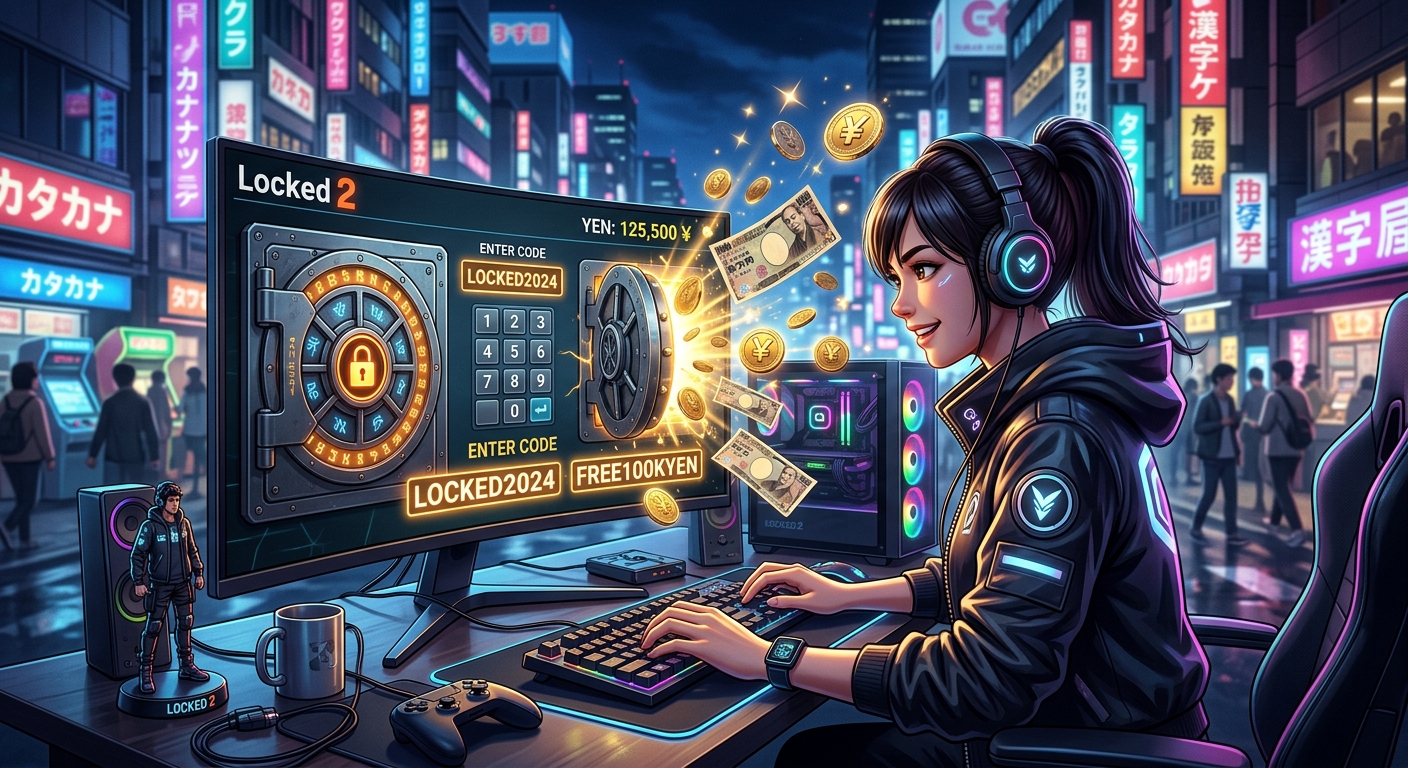
Locked 2 is a fast-paced Roblox anime soccer experience inspired by high-intensity sports anime. Like many live-service Roblox games, it uses a code system that lets the developers drop limited-time rewards such as yen and special bonuses. Knowing how these codes work, where to find them, and how to redeem them efficiently can give you a noticeable edge on the pitch without spending extra Robux.
This guide explains everything you need to know about Locked 2 codes: how they function, how to redeem them, common problems when using them, and how to build a reliable routine for grabbing new codes as soon as they drop. Treat this as a long-term reference rather than a one-time list, since individual codes change frequently and expire over time.
What Locked 2 Codes Are and Why They Matter
Locked 2 codes are short, case-sensitive text strings that you can enter inside the game to claim free rewards. In most cases, these rewards are yen, the game’s primary in-game currency, used to upgrade your build, roll for new traits, or generally progress faster.
For players who want to stay competitive in PvP matches, codes serve three main purposes:
- Faster early progression: Fresh accounts can use codes to skip some of the grind and unlock essential upgrades quicker.
- Experimenting with builds: Extra yen makes it easier to test new styles, skills, and stats without being stuck with a single build.
- Staying aligned with updates: New codes often arrive alongside balance patches or content drops, giving you resources to try whatever changed.
In other Roblox experiences, similar code systems are routinely used to distribute in-game currency or special items after major milestones like player count, favorites, or social media achievements. This pattern is consistent with developer communication practices across Roblox’s platform and other live-service games, where free limited-time rewards are used to celebrate engagement and encourage players to log back in during updates or events.1,2
Types of Rewards You Can Expect
Locked 2 focuses heavily on currency-centric rewards, but codes can vary in what they offer. At a high level, you can expect:
- Yen drops: Flat amounts of yen, typically scaling with how major the milestone or update is.
- Progress boosts: Occasionally, codes may tie to special events that indirectly improve how quickly you can experiment with builds.
- Quality-of-life compensation: After bugs, downtime, or matchmaking issues, developers often issue codes as a goodwill gesture to affected players.
Because the rewards are time-limited, it’s wise to redeem new codes as soon as you see them referenced by reputable sources or official channels. Once a code expires, it typically cannot be brought back, even if you missed it by only a few days.
How to Redeem Codes in Locked 2
Redeeming codes in Locked 2 is straightforward once you know where the menu is located, but there are a few prerequisites that can confuse new players. Follow these steps carefully if it’s your first time:
- Complete the initial tutorial.
The game usually locks some menus until you finish the starting tutorial. Many Roblox experiences use a similar design to keep new players focused and reduce confusion.3 If the Store or Codes option is missing, finish the tutorial first. - Open Locked 2 on Roblox.
Start the game from the Roblox app or website. Wait until you load into the main lobby or hub. - Access the main menu.
Look for the menu button on your HUD, or press the key that brings up the main interface (commonly M on keyboard). This should display several panels such as settings, inventory, and store. - Navigate to the Store and Codes tab.
Select the Store option. Within the store, find a secondary tab or button labeled Codes. This is where you will enter each code. - Enter the code exactly as shown.
Codes tend to be case-sensitive and may include digits, upper-case letters, or themed phrases. Type or paste the code into the text field without extra spaces. - Click Redeem and check your rewards.
Press the Redeem button. A small notification should confirm whether the code was successful, expired, or invalid. Check your yen or rewards balance afterward.
Tip: If you play on PC, copying codes from reliable websites or official community posts and pasting them directly into the text box reduces the chance of typos and failed attempts.
Common Redemption Issues and How to Fix Them
Even if you follow the steps correctly, a code might not work. Below are the most frequent issues and what you can do about them.
1. Code Shows as Expired
Most Locked 2 codes stay active for a limited period. Once the developer flips the switch server-side, that code stops working for everyone. If the game says the code is expired, there is usually no workaround.
- Check the date when you found the code. If the source is weeks or months old, it may be outdated.
- Look for more recent posts or videos that list currently active codes instead of historical ones.
2. “Invalid Code” Message
This usually means there is a typo or formatting problem.
- Ensure that you entered the correct capitalization.
- Remove trailing spaces if you copied and pasted the code.
- Double-check characters that look similar, such as zero vs O, or one vs I.
3. You Don’t Have Access to the Codes Menu
If you cannot see the codes section at all:
- Finish the intro tutorial first; some menus unlock after your first match or training session.
- If the interface still seems broken, try rejoining a different server or restarting the Roblox app.
- On mobile, ensure your UI scale settings are normal so the button isn’t cut off.
4. Code Already Redeemed
Some codes can only be redeemed once per account. If you receive a message indicating that you’ve already used the code, verify whether you might have redeemed it on a previous session. Switching between alt accounts or platforms (PC, console, mobile) can make this easy to forget.
Understanding Yen and Progression in Locked 2
Coded rewards matter because of how yen ties into progression systems. While the specifics of Locked 2’s build system will evolve over time, there are a few persistent principles that apply to currency-based progression in competitive online games.
| Use of Yen | Effect on Your Player | Why Codes Help |
|---|---|---|
| Unlocking or upgrading skills | Enables unique soccer moves and special abilities that define your playstyle. | Lets you reach key abilities sooner, matching or surpassing veteran players. |
| Rolling for traits or rarities | Influences stats like speed, stamina, shooting power, or control. | Extra rolls give more chances at strong trait combinations without extra grind. |
| Adjusting or rerolling builds | Allows you to pivot from one role (e.g., striker) to another (e.g., playmaker). | Codes make experimentation affordable, so you can adapt to meta shifts. |
Research on game motivation has shown that giving players periodic bursts of progress and rewards can help maintain engagement and encourage experimentation with game systems, especially in competitive environments.4 Locked 2’s code-based rewards fit this pattern by providing chunked boosts of currency that let you try new builds without fully committing to long grinds.
Safe Places to Find New Locked 2 Codes
Because codes expire regularly, one of the most useful skills is learning where to look for fresh codes. While exact locations may shift as the developer updates their communication channels, the following sources are traditionally reliable for Roblox games and live-service titles.
- Official Roblox game page: Developers often update the game description with recent codes or pin them in the “About” text when there’s a major celebration.
- Developer social accounts: Many studios use X (Twitter), Discord, or group walls within Roblox to share new codes when the game hits likes, favorites, or visit milestones.
- Community hubs and guides: Established gaming outlets and communities sometimes maintain current code lists, but always cross-check the date and look for signs of editorial oversight or updates.
- Update announcements: When new features arrive—like matchmaking changes, gacha reworks, or balance passes—codes are frequently bundled into the patch notes as a thank-you to the playerbase.
Remember that Roblox’s own community standards discourage scams and deceptive content, but users should still be cautious of unofficial sites asking for your account details. A legitimate Locked 2 code will never require your password, email, or two-factor info to work.5
Efficient Code-Use Strategy for New and Returning Players
To get the most out of Locked 2 codes, you can follow a simple three-part strategy: prioritize, stack, and test.
1. Prioritize Codes During Active Play Sessions
Instead of redeeming codes at random times, try to use them right before you know you’ll be playing several matches in a row. This approach makes your new yen immediately relevant; you can upgrade, queue into games, and feel the impact of your rewards rather than letting them sit unused.
2. Stack Codes Before Major Build Changes
If you plan to overhaul your build—like switching from a speed-focused striker to a more technical playmaker—save up a few active codes and redeem them together. The big yen spike gives you more freedom to reroll traits or allocate stats in one structured session instead of piecemeal experimentation.
3. Test Small Changes First
When you earn a large amount of yen from multiple codes, it can be tempting to spend all of it immediately. Consider making incremental adjustments and playing a few matches between each change. This lets you feel the difference each tweak makes and keeps you from overshooting into an unstable or uncomfortable build.
Staying Up to Date with Locked 2 Updates
Locked 2, like other Roblox titles that frequently update, may modify its progression systems, add new skills, or rebalance traits periodically. When this happens, code drops are often used to bring everyone up to speed. To stay informed:
- Read patch notes: Many developers post update logs on their Roblox group, Discord, or social media feeds. These notes often include new codes and details on what changed.
- Watch community discussion: YouTube creators, Discord communities, and forum discussions can quickly surface which builds, traits, or skills are performing best after a patch.
- Verify code recaps: When you see a “current codes” recap, always check that the video, article, or post cites the update date or patch name so you know it’s recent.
In other live-service games, balancing updates and reward distributions are part of long-term engagement strategies that rely on periodic content drops and community interaction.6 Locked 2’s code pattern is consistent with this trend: each batch of codes typically coincides with meaningful tweaks to keep the meta fresh.
Best Practices to Avoid Missing Future Codes
Locked 2’s code system rewards players who stay plugged into the game’s ecosystem. If you want to avoid missing valuable rewards, build a light, low-effort routine around your playtime:
- Join the in-game group if required: Some Roblox games lock code use or certain bonuses behind group membership. If Locked 2’s developer uses this system, joining their Roblox group ensures you can redeem all available rewards.
- Check for codes when big milestones are hit: When you see that the game has reached a new like or favorite milestone, search specifically for a new code drop linked to that celebration.
- Limit your sources: Stick to a few trustworthy locations—like the official game page and one or two well-maintained guides—rather than chasing every random hint you see.
- Keep a personal log: If you play frequently, jot down which codes you’ve already used. A simple notepad list prevents you from repeatedly testing the same expired or redeemed codes.
Locked 2 Codes FAQ
Do I need Robux to use Locked 2 codes?
No. Locked 2 codes are free to redeem inside the game. You only need a standard Roblox account and access to the game itself.
Can I share my codes with friends?
Yes. Locked 2 codes are not one-time use globally; they’re typically redeemable once per account. You and your friends can use the same valid code as long as it hasn’t expired.
Why do my codes work on one device but not another?
Codes are tied to your account, not your device. If a code only works on one device, it’s likely that you logged into a different Roblox account elsewhere. Check your username in the top-right corner of the Roblox client to confirm you’re on the correct profile.
How often are new Locked 2 codes released?
There is no fixed schedule, but new codes commonly arrive when major milestones are hit (likes, visits, favorites) or when a new update, character, or feature is released. Keep an eye on the game page and community channels around those times.
Is it safe to use any code I see online?
Entering a code in-game is safe, but be cautious of websites or individuals that ask for login information in exchange for “exclusive” codes. Legitimate Locked 2 codes never require your password, and Roblox advises against sharing sensitive account data with third parties.5
Final Thoughts
Locked 2 codes are one of the easiest ways to accumulate yen, experiment with new builds, and stay engaged with the game’s evolving meta. By understanding how to redeem codes correctly, where to find up-to-date information, and how to integrate rewards into your regular play sessions, you can minimize grind and focus on what matters most: pulling off stylish plays and outsmarting opponents in every anime-inspired match.
References
- Parents’ Guide to Roblox — Roblox Corporation. 2024-02-15. https://corp.roblox.com/parents/
- Live Service Games: A New Model for Game Development — UK Competition and Markets Authority (CMA). 2022-09-01. https://www.gov.uk/government/publications/video-games-industry-digital-business-models-and-consumer-interactions/live-service-games-a-new-model-for-game-development
- Game Design and Player Immersion — Massachusetts Institute of Technology (MIT OpenCourseWare). 2023-01-10. https://ocw.mit.edu/courses/cms-300-introduction-to-videogame-studies-fall-2022/
- Motivational Effects of In-Game Rewards — Hamari, J. & Eranti, V. In: Proceedings of the CHI 2011 Workshop Gamification. 2011-05-07. https://www.researchgate.net/publication/285025722_Framework_for_designing_and_evaluating_game_achievements
- Roblox Community Standards — Roblox Corporation. 2023-11-30. https://en.help.roblox.com/hc/en-us/articles/203313410
- The Business of Video Games — Newzoo Global Games Market Report (summary). 2023-06-28. https://newzoo.com/resources/trend-reports/newzoo-global-games-market-report-2023-free-version
Similar Articles








Read full bio of medha deb