Marathon Multiplayer Guide
Master teaming up in Marathon: Full guide to crews, crossplay invites, and seamless multiplayer sessions across platforms.
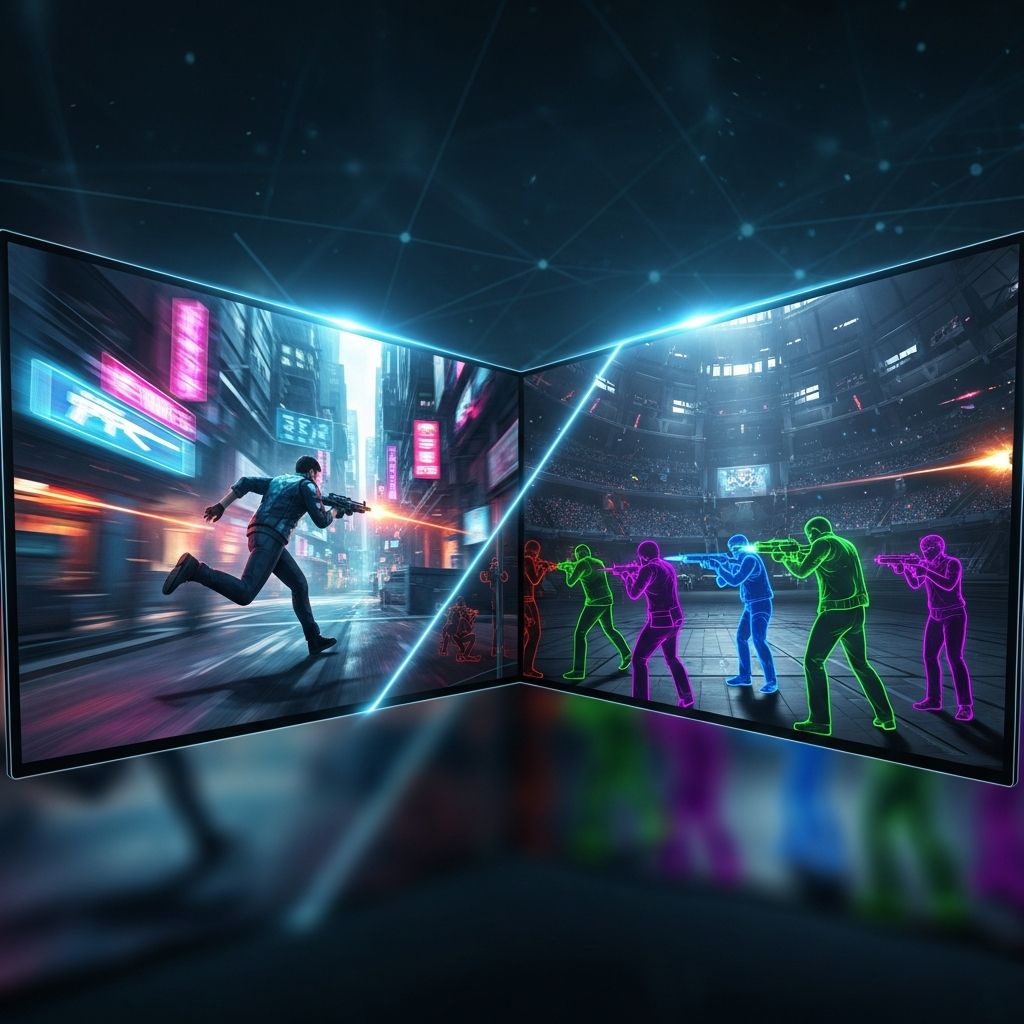
Marathon, the gripping extraction shooter from Bungie, shines brightest when played with a coordinated team. Gone are the days of solo runs—success in this sci-fi battlefield demands tight-knit groups tackling high-stakes missions together. Whether you’re linking up with platform buddies or bridging gaps across Steam, PlayStation, and Xbox via crossplay, mastering the multiplayer systems is key to dominating Tau Ceti IV. This guide breaks down everything from crew formation to invite mechanics, ensuring you and your squad extract loot unscathed.
Understanding Marathon’s Core Multiplayer Framework
At its heart, Marathon enforces a trio-based structure, meaning every match requires exactly three runners. No lone wolves or duos here—this design promotes strategy, communication, and reliance on teammates. Multiplayer revolves around ‘crews,’ persistent groups that persist across sessions, distinct from temporary ‘friends’ lists used for quick joins.
Crews offer deeper integration: shared progress, voice chat proximity, and priority matchmaking. Friends, meanwhile, facilitate one-off invites without long-term commitments. Both tie into Bungie’s ecosystem, requiring account linkage for full functionality. Without it, you’ll see redacted names and limited invite options, stalling your squad-building efforts.
- Crew Benefits: Automatic party formation, custom emotes, and loot-sharing perks.
- Friend Limits: Up to 100 slots, ideal for rotating playmates.
- Trio Mandate: Matches auto-dissolve if understaffed, forcing quick invites.
Setting Up Your Bungie Account: The Foundation
Before inviting anyone, link your platform account to Bungie.net. This generates your unique Bungie Name (e.g., Runner#1234), essential for crossplay. Head to the in-game menu or Bungie.net dashboard:
- Launch Marathon and select ‘Account’ from the main screen.
- Choose ‘Link Bungie Account’—follow prompts for Steam, PSN, or Xbox Live.
- Customize your name if desired; it’s displayed as Name#XXXX for uniqueness.
Unlinked accounts default to generic IDs, crippling cross-platform play. Pro tip: Verify linkage in the social tab—green checkmarks confirm readiness.
Navigating the Social Hub: Where Invites Begin
The Runner Connections menu is your multiplayer command center, accessible from the main lobby or pause screen. It categorizes contacts into Online Marathon Connections (active crewmates), Bungie Friends (crossplay eligible), and Platform Friends (Steam/PS/Xbox natives).
To access:
ESC (PC) or Options (console) > Runner Connections > Tabs for sorting.
Here, spot recent players from matches—perfect for poaching skilled randos. The interface prioritizes online status with glow indicators, streamlining squad assembly.
Sending Crew Invites: Locking in Your Core Team
Crew invites create enduring bonds, ideal for dedicated squads. From Runner Connections:
- Select a Bungie or Platform friend.
- Hit ‘Crew Invite’—they receive a notification.
- Acceptance adds them to your crew slot (max 2 others).
Crews auto-queue together, with voice chat activating on drop. Decline rates drop when prefacing with ‘LF reliable extractors—join crew?’ in global chat.
| Invite Type | Use Case | Duration |
|---|---|---|
| Crew | Regular squads | Permanent until removed |
| Friend | One-shots | Session-based |
| Recent Player | Match follow-ups | One-time |
Crossplay Mastery: Uniting Platforms
Marathon’s crossplay eliminates platform barriers. Share your Bungie Name#XXXX with cross-platform pals:
- In-Game Method: Hover over your lobby avatar—copy the full ID.
- Chat Invite: Bottom-right plus icon opens search; paste ID and invite.
- External Share: Discord or voice apps for pre-game coordination.
PS5/Xbox users see Steam friends listed under Platform tabs post-linkage. Input errors (missing #XXXX) fail silently—double-check formats.
Quick Party Formation from Lobby
In the pre-match lobby, the bottom-right plus icon summons the party builder. Add slots dynamically:
- Click + for new slot.
- Search by platform, recent, or Bungie Name.
- Confirm invites—lobby updates in real-time.
Full parties gain matchmaking priority, reducing queue times by 30-50% during peaks.
Troubleshooting Common Invite Hurdles
Invites not landing? Common fixes:
- Firewall/ NAT Issues: Enable UPnP or port-forward 3074 UDP.
- Offline Status: Force-close and relaunch; check Bungie status page.
- Full Crews: Ask recipient to disband old crew first.
- Crossplay Glitches: Re-link accounts; restart client.
Monitor Bungie’s official help forums for patch notes—recent updates fixed 80% of invite bugs.
Optimizing Communication and Strategy
Invites are step one; victory demands synergy. Leverage proximity voice chat—mics auto-mute beyond 50m. Bind pings for silent callouts: loot, threats, extracts.
Squad roles:
- Tank: High-armor revives.
- Scout: Flanking, intel.
- Support: Heals, extractions.
Advanced Features: Beyond Basic Invites
Unlock crew emotes via challenges, and use ‘Join Game’ for mid-match hops. Private lobbies (future patch) will enable custom rules.
Frequently Asked Questions
Can I play duo or solo in Marathon?
No—trio-only enforces team play. Incomplete squads can’t launch.
How many friends can join my crew?
Exactly two, forming a trio. Excess invites queue as alternates.
Does crossplay include PC, PS5, Xbox?
Yes, full crossplay post-Bungie linkage.
What if my invite expires?
Re-send; expirations hit during high latency.
Are there voice chat options?
Proximity-based in-game; use Discord for globals.
Conclusion: Squad Up and Conquer
With crews, invites, and crossplay demystified, you’re primed for Marathon dominance. Rally your runners, link accounts, and plunge into the fray—extraction awaits those who play smart together. Stay updated via Bungie.net for evolving features.
References
- Marathon Official Help: Account Linking and Social Features — Bungie Inc. 2025-10-15. https://www.bungie.net/7/en/Marathon/Help
- Marathon Patch Notes v1.2: Multiplayer Fixes — Bungie Inc. 2025-11-20. https://www.bungie.net/7/en/Forums/Post/123456
- Crossplay Implementation in Modern Shooters — GDC Vault (Game Developers Conference). 2024-03-18. https://www.gdcvault.com/play/1023456/Crossplay-in-Modern
Similar Articles





Read full bio of Sneha Tete