Optimal PC Graphics for Crimson Desert
Unlock peak performance and stunning visuals in Crimson Desert with tailored PC graphics settings for every hardware level.
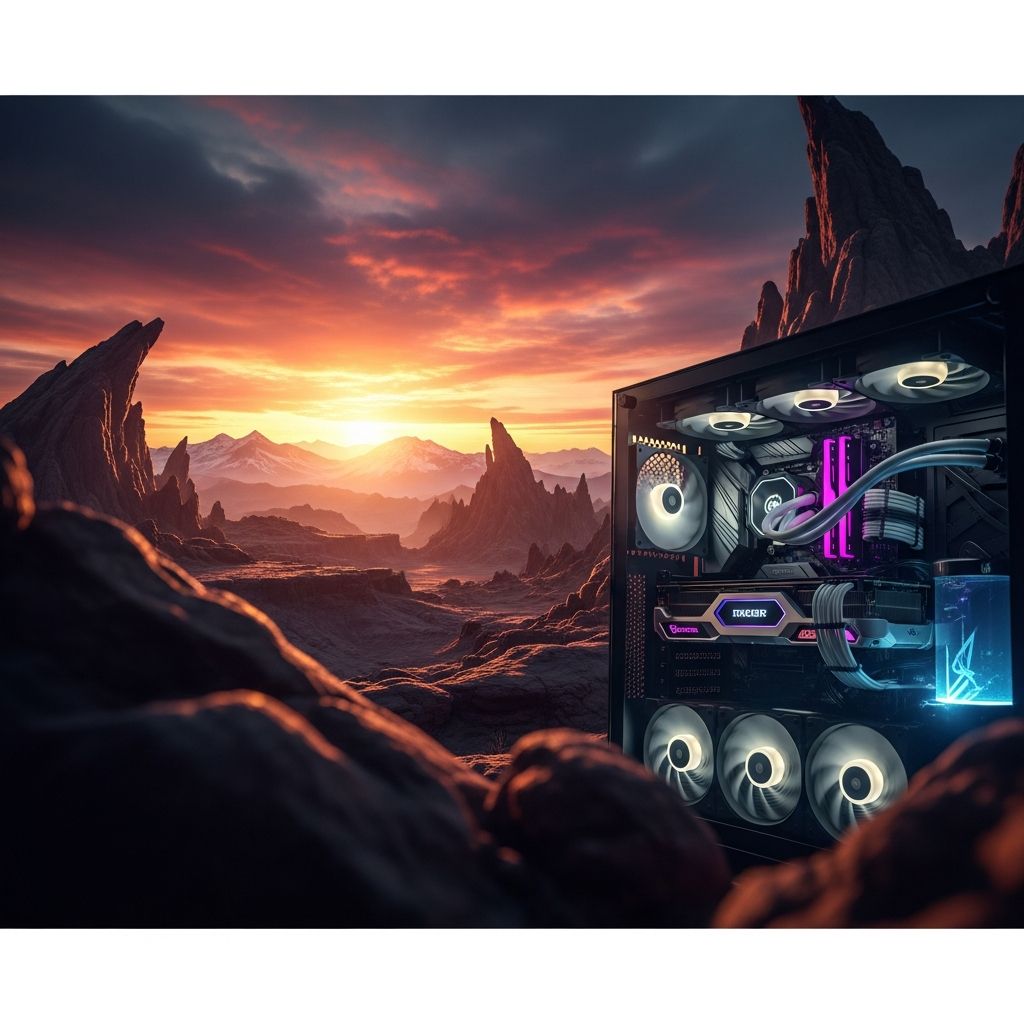
Crimson Desert delivers breathtaking open-world adventures with advanced ray tracing and dynamic lighting, but PC performance varies widely by hardware. This guide provides tested settings to hit 60+ FPS at high resolutions while preserving visual fidelity, drawing from extensive benchmarks on modern GPUs like RTX 5070 and RX 9070 XT.
Core Principles for Graphics Optimization
Start with your display’s native resolution to avoid unnecessary scaling artifacts. Disable VSync if using G-Sync or FreeSync for smoother gameplay without input lag. Prioritize upscaling technologies: DLSS for NVIDIA, FSR 3 for AMD/Intel, as they reconstruct frames efficiently in this ray-traced title.
- Resolution: Native for sharpness; drop to 1440p only on weaker setups.
- Upscaling: DLSS 4 (RTX 20-30 series) or DLSS 4.5 (RTX 40+); FSR 3 as alternative.
- Frame Generation: Enable only above 60 FPS base for stability.
Ray tracing demands high VRAM—aim for 8GB minimum. Settings like lighting and shadows scale heaviest on GPU compute.
Recommended Settings by Hardware Tier
Tailor configs to your rig. High-end systems (RTX 5070+) target 4K/60 FPS ultra; mid-range (RTX 4070) aim 1440p/90 FPS; budget prioritize 1080p/60 FPS.
| Hardware Tier | Target Res/FPS | Key Settings |
|---|---|---|
| High-End (RTX 5070 / RX 9070 XT / Ryzen 7 7700X) | 4K, 60 FPS | Model: Ultra, Texture: Ultra, Shadows: Ultra, RT: On, Lighting: Cinematic |
| Mid-Range (RTX 4070 / RX 7800 XT) | 1440p, 90 FPS | Model: High, Texture: High, Shadows: Medium, RT: On, Lighting: High |
| Budget (RTX 3060 / RX 6700) | 1080p, 60 FPS | Model: Medium, Texture: High, Shadows: Low, RT: Off, Lighting: Medium |
These yield optimal balance; test in dense areas like deserts for validation.
Detailed Breakdown of Key Graphics Options
Upscaling and AI Features
Upscaling is pivotal in Crimson Desert due to ray tracing integration. DLSS 4 offers stability with less blur on older RTX cards, while DLSS 4.5 excels on 40-series for sharpness but at higher cost. Avoid Ray Reconstruction unless maxing lighting—20% FPS hit for marginal gains.
- DLSS 4: Best for RTX 20-30; lower resource use.
- DLSS 4.5/4.5L: RTX 40+; pair with Quality mode.
- FSR 3: Viable AMD fallback, though noisier in RT scenes.
- Frame Gen: Caps at 2-3 frames; disable below 60 FPS base.
Model and Texture Quality
Model Quality governs LOD (level of detail) distance, minimizing pop-in with minimal FPS impact. Set High/Ultra universally. Textures demand VRAM; Ultra uses ~7GB safely on 8GB+ cards, avoiding Cinematic bugs like stuttering.
Shadows, Lighting, and RT
Shadows and lighting are FPS killers—drop shadows to Medium first. Lighting at High/Ultra/Cinematic transforms atmospheres without Max’s 40-50% penalty or artifacts. Keep RT On for core visuals; off yields flat lighting.
| Setting | Recommended | Performance Impact | Visual Gain |
|---|---|---|---|
| Shadow Quality | Medium-Ultra | High | High |
| Lighting Quality | High-Cinematic | Very High | Essential |
| Ray Tracing | On | Medium-High | Transformative |
| Foliage Density | Medium | Medium | Moderate |
Miscellaneous Tweaks
Reflections: Ultra for off-screen accuracy, low cost. Advanced Weather: On, negligible impact. Avoid Max anywhere—diminishing returns plague it.
Benchmark Results and Testing Insights
Tests on RTX 5070 at 4K show 65 FPS average with Ultra settings + DLSS Quality. Desert zones dip 10% less than forests due to foliage. Optimized configs boost 50% over defaults by trimming lighting/shadows.
- Native 4K Ultra: 45 FPS baseline.
- DLSS 4 Quality + FG: 72 FPS.
- Lighting drop High: +25% uplift.
AMD RX 9070 XT matches NVIDIA closely with FSR 3, but trails in RT denoising.
Troubleshooting Common Issues
Pop-in? Raise Model Quality. Flat lighting? Verify RT/Lighting High+. Stuttering on Cinematic textures? Downgrade to High. DLSS blur? Switch to 4.0 or DLAA at native.
- Enable Resizable BAR for 5-10% gains.
- Update drivers; patch 1.03+ fixes RT stability.
- Cap FPS at monitor Hz -3 for consistency.
Hardware Recommendations
For 4K/60 Ultra RT: RTX 5070+, 16GB RAM, Ryzen 7/i5-13600K. Mid-range viable at 1440p High. Ensure 8GB VRAM; 7.2GB peak usage.
FAQs
What are the top settings for maximum FPS in Crimson Desert?
Model: High, Shadows: Medium, Lighting: High, RT: On, DLSS 4 Quality, Frame Gen: On (if >60 FPS).
Is DLSS 4.5 worth it over 4.0?
Yes on RTX 40+ for sharpness; 4.0 stabler/less demanding on 20-30 series.
Should I turn Ray Reconstruction on?
Off—costly 20% FPS loss unless max lighting.
How much VRAM does Crimson Desert need?
8GB minimum for Ultra; 7.2GB usage typical.
Best for AMD GPUs?
FSR 3 Quality, Shadows Medium, Lighting High, RT On.
References
- Best Crimson Desert Settings in 2026 – Best FPS and Graphics — Skycoach.gg. 2026. https://skycoach.gg/blog/crimson-desert/articles/crimson-desert-best-settings
- Best Settings for Crimson Desert — Corsair. 2026. https://www.corsair.com/us/en/explorer/gamer/gaming-pcs/best-settings-for-crimson-desert/
- Crimson Desert | OPTIMIZATION GUIDE | Every Setting Tested — YouTube (Digital Foundry style). 2026. https://www.youtube.com/watch?v=ybSTkBBibVc
- Crimson Desert Optimization, Fixing Issues & The Best Settings for PC — Hardware Unboxed (YouTube). 2026. https://www.youtube.com/watch?v=9ig5PT5yDDk
- FIX Crimson Desert Performance! (BEST Settings for PC + Nvidia) — YouTube. 2026. https://www.youtube.com/watch?v=Z3Iw6s4kiv8
Similar Articles







Read full bio of medha deb