Optimal PC Settings for Marathon
Unlock peak performance and visibility in Marathon with tailored PC configurations for maximum FPS and competitive edge.
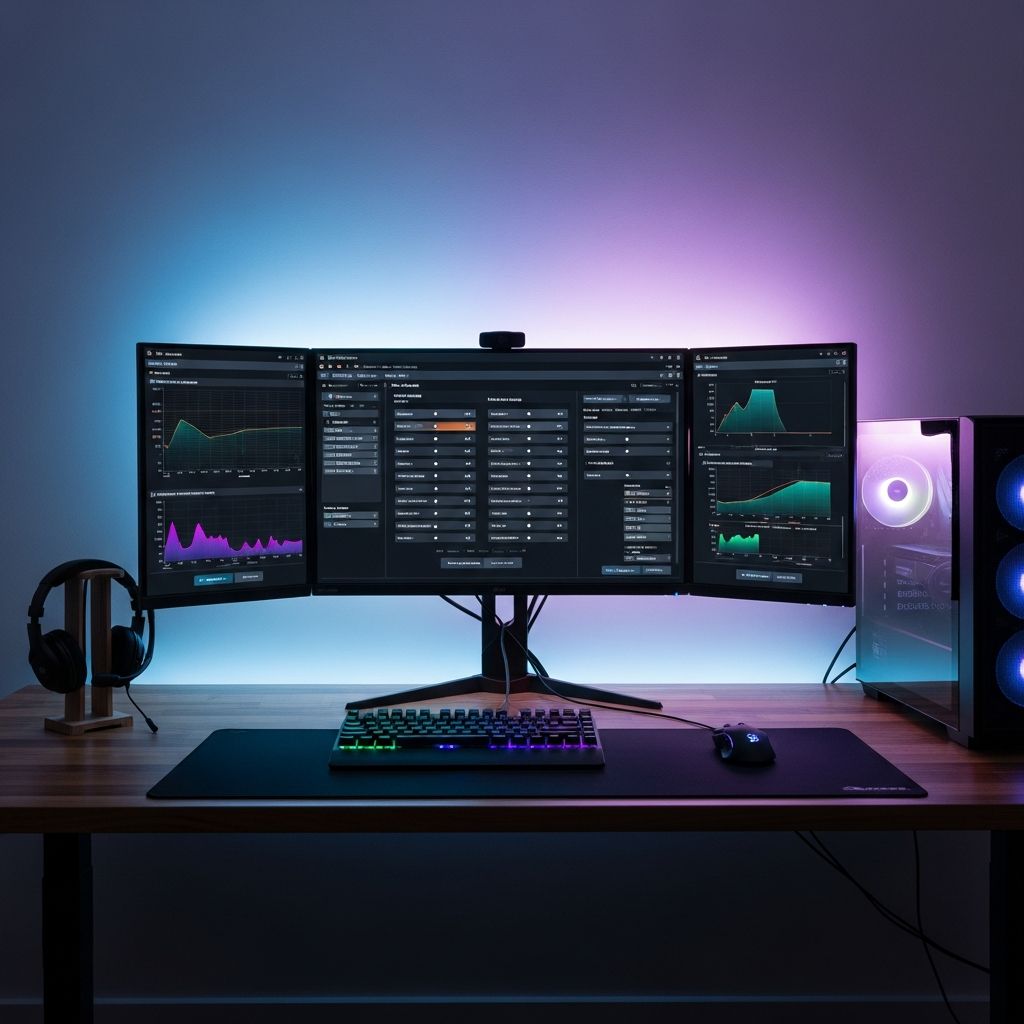
Marathon demands precise control, quick reactions, and crystal-clear visuals to dominate in its intense extraction shooter battles. Fine-tuning your PC settings can transform your experience from frustrating stutters to buttery-smooth 120+ FPS gameplay. This guide draws from extensive testing across various hardware setups to deliver configurations that balance performance, visibility, and immersion. Whether you’re on a mid-range rig or a high-end beast, these recommendations ensure you stay ahead of the competition.
Understanding Marathon’s Performance Demands
Marathon’s engine is surprisingly efficient, allowing even modest hardware to deliver playable frame rates. However, competitive play requires consistent 100+ FPS to minimize input lag and maximize responsiveness. Key factors include GPU upscaling technologies like DLSS, FSR, or XeSS, which upscale lower resolutions for higher performance without sacrificing too much detail. Thermal management and SSD installation are also crucial to prevent bottlenecks during prolonged sessions.
Start by verifying your system against Marathon’s requirements. Minimum specs include an Intel Core i5-6600 or AMD Ryzen 5 2600, 8GB RAM, and a GTX 1050 Ti equivalent. Recommended setups bump to i5-10400, 16GB RAM, and RTX 2060-class GPUs for 1080p at 60+ FPS. High-refresh-rate monitors benefit from uncapped frames and low-latency modes.
Graphics Configurations for Every Hardware Tier
Graphics settings profoundly impact both FPS and enemy visibility. Prioritize disabling distracting effects while enabling tech that sharpens images. Here’s a breakdown by resolution and hardware.
Low-End Systems (GTX 1050 Ti / RX 5500 XT)
For entry-level GPUs, focus on raw performance. Use the Low preset as a base, then tweak selectively.
- Window Mode: Fullscreen (reduces input lag)
- VSync: Off (eliminates lag, though may cause tearing)
- Graphics Quality: Low
- Anti-Aliasing: FSR Performance (AMD) or DLSS Performance (NVIDIA)
- Resolution Scaling: 80-90%
- Ambient Occlusion: Off
- Anisotropic Filtering: 4x
- Texture/Shadow Quality: Low
- Motion Blur/Chromatic Aberration: Off
Expect 60-90 FPS at 1080p. This setup sacrifices visuals for stability, ideal for learning maps without drops.
Mid-Range Rigs (RTX 3060 / RX 6700 XT)
Mid-tier cards shine with balanced settings, hitting 100+ FPS reliably.
| Setting | Recommendation | Impact |
|---|---|---|
| Graphics Preset | High | Optimal visual-FPS balance |
| Upscaling | DLSS Balanced / FSR Balanced | +30-50% FPS boost |
| Resolution Scaling | DLAA / FSR Native AA | Full-res sharpness |
| Shadows | Medium | Reduces dark hiding spots |
| NVIDIA Reflex | On + Boost | Cuts system latency |
| Frame Rate Cap | Off or Monitor Hz | Maximizes responsiveness |
On an RTX 3070 at 1080p, these yield ~84 FPS average with 60 FPS lows—perfect for 144Hz monitors.
High-End Builds (RTX 4080+ / RX 7900 XTX)
Top GPUs allow cinematic quality without compromise.
- Graphics Quality: Highest
- Anti-Aliasing: DLSS Quality / XeSS Ultra Quality
- All Detail Distances: High/Ultra
- Light Shafts/SSAO: High
- Frame Generation: On (if base FPS >100)
Achieve 144+ FPS at 4K, with frame gen pushing 200+ for ultra-smooth motion.
Audio Optimization for Survival
Sound cues are life-or-death in Marathon. Clear footsteps and gunfire positioning give you the edge.
- Listen Mode: Headphones (spatial audio priority)
- Game Volume: 10
- SFX Volume: 8-10
- Dialogue/Cinematics: 0-5 (minimize distractions)
- Lobby/Gameplay Music: 0-5
- Voice Chat: 7 (team comms clear)
Use high-quality headphones with virtual 7.1 surround. Mute non-essential tracks to amplify subtle enemy movements.
System-Level Tweaks for Zero Stutter
Beyond in-game menus, optimize Windows and drivers.
- Install on SSD: HDDs cause loading hitches; SSDs ensure seamless extraction runs.
- Driver Updates: Latest NVIDIA/AMD drivers with Game Ready profiles.
- NVIDIA/AMD Control Panel: Set Power Management to Max Performance, Texture Filtering to High Performance.
- Windows Settings: Game Mode On, Hardware-Accelerated GPU Scheduling Enabled, disable background apps.
- Monitor Temps: Use MSI Afterburner; cap at 80C to avoid throttling.
- Close Overlays: Discord/Steam overlays can drop FPS by 10-20%.
Enable Resizable BAR (ReBAR) on Intel Arc GPUs for extra gains.
Mouse, Keyboard, and Control Bindings
Competitive setups emphasize precision.
- Mouse DPI: 400-800
- Sensitivity: 0.5-2.0 (test in aim trainer)
- FOV: 90-105 (wider for awareness)
- Keybinds: Q/E for lean, Mouse 4/5 for gadgets
Raw input On, acceleration Off for 1:1 tracking.
Common Pitfalls and Troubleshooting
Avoid these mistakes:
- VSync On: Adds lag.
- Motion Blur: Obscures fast targets.
- High Shadows: Hides enemies in corners—drop to Medium.
For stutters, lower Environment/Character Detail Distance. Benchmark with in-game tools or CapFrameX.
FAQ
What are the best upscaling settings for NVIDIA GPUs?
DLSS Balanced for FPS, DLAA for max clarity on capable hardware.
Should I cap my frame rate?
Off for max responsiveness; match monitor Hz if tearing occurs.
Does Marathon support AMD FSR 3?
Yes, with frame generation for significant boosts on RX 6000+ series.
How to reduce input lag?
NVIDIA Reflex On, Fullscreen mode, latest drivers.
Best FOV for competitive play?
90-100° balances peripheral vision and target size.
Testing Your Setup
Launch a private match, monitor FPS with RTSS. Aim for 1% lows above 60. Iterate: drop one setting at a time until stable. Marathon’s optimization means most PCs can hit competitive viability with tweaks.
These configurations, refined from real-world benchmarks, position you for victory. Adapt based on your hardware—performance trumps eye candy in survival.
References
- Marathon System Requirements and Optimization Tips — Skycoach.gg. 2026. https://skycoach.gg/blog/marathon/articles/marathon-best-settings
- Best Settings for Marathon — Corsair. 2026. https://www.corsair.com/us/en/explorer/gamer/gaming-pcs/best-settings-for-marathon/
- Best Marathon Settings for PC Performance — PCGamesN. 2026. https://www.pcgamesn.com/marathon/best-settings
- Best Marathon Settings for PC (2026 Guide) — G2A News. 2026-01-15. https://www.g2a.com/news/features/best-marathon-settings-for-pc-performance-2026-guide/
- Marathon PC Performance Guide — Marathon Official Help. 2026. https://help.marathonthegame.com/hc/en-us/articles/47626640740756-Marathon-PC-Performance-Guide
Similar Articles






Read full bio of Sneha Tete