Starfield Algorab System and Anchorpoint Station Guide
Learn how to reach the distant Algorab system, dock with Anchorpoint Station, and make the most of this high-level Starfield hub.
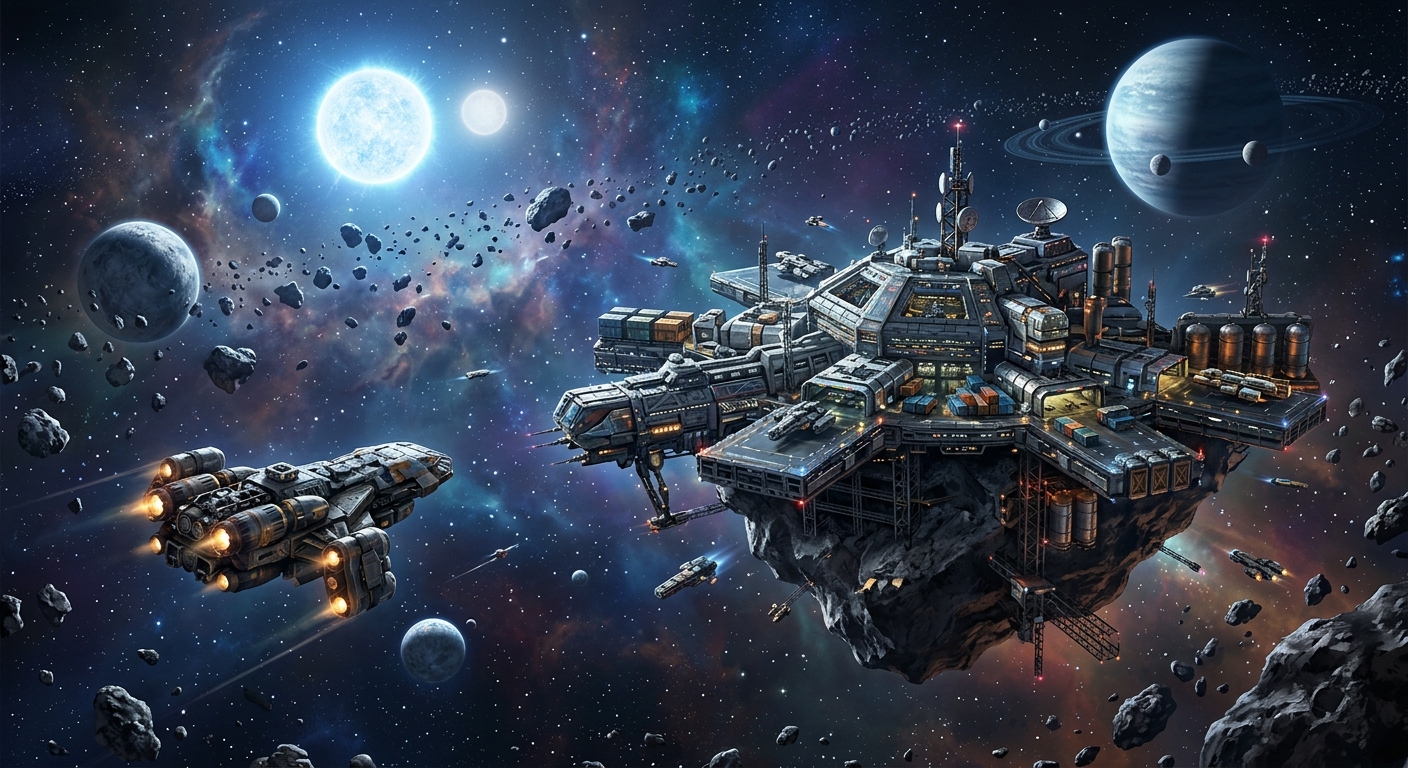
The Algorab system and its orbiting Anchorpoint Station sit on the extreme edge of Starfield’s galaxy map, far away from the early-game routes most players naturally follow. Because they are tucked deep into the outer reaches, many players don’t realize how to reach them, what ship upgrades are required, or why this remote starstation is worth the long trip. This guide walks you through every step, from plotting a path across the Starmap to docking at Anchorpoint and using it as a late-game hub.
Why Algorab and Anchorpoint Matter
Algorab is not a casual detour. It is:
- A high-level star system, suitable for experienced captains with well-upgraded ships.
- The home of Anchorpoint Station, a large starstation tied to the Free Lanes update and DLC content.
- A gateway to late-game opportunities, including high-end commerce, illicit activity, and luxury housing options introduced in newer content.
Anchoring an outpost this far from the settled core also gives you a strategic forward base for exploring fringe systems, testing powerful builds, and engaging with tougher factions and missions.
Understanding the Starmap and Long-Range Travel
Getting to Algorab is not as simple as typing a destination into a search bar. Starfield’s Starmap interface emphasizes spatial navigation over direct text-based search, so you must locate far-off systems visually and then build a viable route with your grav drive.
How the Starmap Limits and Enables Exploration
Starfield’s map design deliberately makes you feel distance. Bethesda has described the game as containing a wide galaxy that players gradually push into, relying on ship upgrades to reach increasingly remote regions.1 Features that shape this journey include:
- No direct location search for most star systems—you’re expected to navigate visually.
- Zoom-based navigation, where distant systems only appear once you zoom out fully.
- Grav drive range limits, which cap how far you can jump in a single warp based on ship stats.
This structure means distant systems like Algorab function as soft progression gates. You can technically reach them early if you have the right hardware and skills, but most players will arrive later in a playthrough.
Ship Requirements for Reaching Algorab
Algorab lies so far from the starting area that you will almost certainly need a high-performance ship. While exact numbers vary depending on your route and your starting point, a practical rule of thumb is:
- Jump range: Aim for at least the mid-to-high 20 light-year (LY) range per jump to follow an efficient route.
- Powerful grav drive: Higher-tier grav drives substantially increase maximum jump distance and reduce the number of hops.
- Adequate reactor output: To support upgraded drive, shields, and weapons for encounters in higher-level regions.
According to Bethesda’s official technical details, grav drives are what allow ships to transition into grav jump, the FTL mechanic that moves you between systems.2 Upgrading your drive is therefore the single most impactful change when preparing for Algorab.
Finding Algorab on the Galaxy Map
Algorab sits on the bottom-right edge of Starfield’s galaxy map, nowhere near the early-game Constellation route. Because it doesn’t appear on obvious quest paths unless triggered by specific content, you’ll likely need to locate it manually.
Step-by-Step Starmap Navigation
Use this generalized procedure to locate the system:
- Open the Starmap from your ship cockpit or menu.
- Zoom out fully until you can see a broad section of the galaxy, with many systems visible at once.
- Pan towards the bottom-right corner of the map. Move deliberately—Algorab is close to the extreme edge.
- Look for system labels along the outer fringe and slowly move your cursor, watching for Algorab to appear.
- Once you highlight Algorab, select and set it as your travel target to view its connections and range requirements.
This manual method can feel unintuitive at first, but it reflects Starfield’s emphasis on charting unknown regions rather than instantly jumping to known names.
Typical Route to Algorab
Route specifics depend on your exploration history and which systems you’ve already visited, but many players will follow a sequence of gradually more distant systems. These might include:
- Well-known inner systems like Alpha Centauri and nearby hub systems.
- Intermediate systems on the way toward the bottom-right quadrant.
- Late-game frontier systems that serve as stepping stones to Algorab.
Because the game draws a suggested path based on your current ship range, you can use the auto-plotted path as a rough guide: hop from system to system along the highlighted route until you reach the last jump into Algorab. If your grav drive isn’t strong enough at any point, the path will stall and you’ll know you need more upgrades.
Preparing Your Ship for the Journey
Reaching Algorab is only half the challenge; surviving encounters in and around the system is the other. You may deal with high-level enemy ships, hazardous anomalies, or faction skirmishes made more dangerous by your distance from central support hubs.
Key Ship Upgrades
Before committing to the long route, consider investing in:
- Grav Drive: Prioritize higher-quality drives for extended jump range. This opens shorter routes and reduces fuel stops.
- Reactor: A better reactor supports more powerful modules across the ship, including weapons and shields.
- Shields: Outer rim systems tend to have tougher opponents; robust shields give you time to react or retreat.
- Weapons: Balanced loadouts (lasers plus ballistic or particle weapons) help deal with varied enemy defenses.
Bethesda has highlighted how ship customization and module swapping are core systems in Starfield, letting you tailor a vessel for specific roles like exploration, combat, or cargo hauling.1 For Algorab, think of your build as a deep-space expedition vessel: capable of long-range travel, but also ready for conflict.
Skill Synergies for Long-Distance Travel
Several skills in the Tech and Science trees synergize with long-range expeditions:
- Astrodynamics: Enhances your grav drive performance, effectively increasing jump range and efficiency.
- Piloting: Unlocks the ability to command stronger ship classes, which often come with better components.
- Starship Engineering: Improves ship damage tolerance, helping you survive extended ventures into hostile space.
These skills mirror the game’s broader design philosophy: you advance both character and ship in tandem, unlocking new regions as your capabilities expand.1
Entering the Algorab System
Once your ship is ready and you’ve plotted the route, initiating the grav jump into Algorab is straightforward—but what happens next can be disorienting if you’re expecting it to behave like inner systems.
First Arrival Expectations
When you first grav jump into Algorab, you will typically emerge near one of the system’s main celestial bodies (often an outer planet). From there:
- You won’t automatically appear next to Anchorpoint Station.
- The station may not yet be a direct fast-travel option in your menu.
- Hostile ships or environmental hazards may be active in certain regions of the system.
Before doing anything else, it’s wise to open the system view on your Starmap to get oriented.
Locating Anchorpoint in System View
Within the system-level view of Algorab:
- Open the map and switch to the detailed system view (showing planets, moons, and stations).
- Look along the inner orbital paths for an icon representing a starstation.
- Highlight candidates and read their names until you find Anchorpoint.
- Once found, set Anchorpoint as your current target.
This selection does not automatically warp you there, but it marks the station on your HUD and makes it easier to use other navigation tools to approach.
Using Cruise Mode to Reach Anchorpoint
One of the quirks of Algorab is that you often cannot fast travel directly to Anchorpoint from the system map on your first visit. Instead, you will need to rely on the game’s in-system traversal mechanic: cruise mode.
What Cruise Mode Does
While Bethesda has not exhaustively documented every internal mechanic of cruise mode, community and developer explanations agree on its purpose: it allows you to travel vast in-system distances without loading screens, effectively replacing traditional fast travel between objects that are extremely far apart.2 In practice, cruise mode:
- Increases your ship’s sublight speed for long distances.
- Displays a list of nearby destinations—planets, moons, stations, and anomalies.
- Can interface with auto-pilot functions to guide you directly to a target like Anchorpoint.
Steps to Reach Anchorpoint via Cruise Mode
After marking Anchorpoint on your system map:
- Exit the Starmap back to your cockpit view.
- Engage cruise mode (the control depends on your platform; refer to your keybindings).
- When the cruise interface appears, look for Anchorpoint Station in the list of available destinations.
- Select it, then activate auto-pilot or manually point your ship toward the station marker.
- Allow your ship to cover the distance; this can take some time on your first visit, because Anchorpoint orbits deep inside the system.
Once you are within standard engagement range, you should see an option to hail the station, followed by the ability to dock. After you have docked at least once, Anchorpoint will usually become a more convenient fast-travel destination for future visits.
Docking, Exploring, and Using Anchorpoint
Docking with Anchorpoint transforms the system from an abstract map icon into a living space filled with NPCs, vendors, terminals, and quest hooks. As with other major starstations, it functions as a hub—albeit one with a distinctly remote and sometimes illicit flavor.
What to Expect on the Station
Without revealing specific story beats, you can generally expect:
- Vendors and services offering trade, ship maintenance, and possibly contraband-related opportunities.
- Quest givers and dialogue that tie into criminal or fringe factions active on the galactic edge.
- Hidden rooms and terminals requiring lockpicking or skill checks to access more lucrative rewards.
Official materials describe Starfield’s settlements and hubs as layered spaces, with faction influence, optional conflicts, and secret areas all co-existing in the same environment.1 Anchorpoint embodies that design on a remote scale—it is a crossroads for people and activities that prefer operating far from the central systems.
Anchorpoint as a Late-Game Hub
Because of its distance and difficulty to reach, Anchorpoint functions best as a late-game staging point rather than a casual stop. You might use it to:
- Stock up before pushing farther into fringe systems near Algorab.
- Engage with high-risk, high-reward missions that suit an advanced character.
- Pivot towards more morally gray or criminal playstyles using the station’s connections.
As Starfield expands with updates and DLC, more content hooks can appear here, making Anchorpoint an increasingly important stop for completionists.
Luxury Housing and High-End Rewards
One of the most striking rewards tied to Anchorpoint is the possibility of acquiring an ultra-expensive asteroid-based residence. While details can differ depending on add-ons and updates, the general pattern is similar:
- Find a route to Anchorpoint and dock successfully.
- Locate a specific NPC or secure area within the station, often requiring lockpicking or stealth.
- Access a terminal that offers to sell you a luxury home among the stars for a staggering sum—commonly around 5 million credits.
- Upon purchase, you receive a quest pointing you to a new location—typically in a different system—where your lavish new property awaits.
Bethesda’s marketing around Starfield has highlighted buildable outposts and customizable housing as major features, emphasizing personal expression and long-term progression.1 Anchorpoint’s associated luxury home continues that theme as a late-game status symbol—a way to spend accumulated wealth on something purely extravagant.
Is the Asteroid Mansion Worth It?
At a price tag in the millions, many captains will hesitate. View it as:
- A prestige purchase that signals you’ve effectively beaten the economic curve.
- A decorative and roleplay-focused hub rather than a min-maxed efficiency booster.
- A way to engage with Starfield’s decoration systems, crafting a home base that reflects your character’s journey.
If you’re still struggling to afford high-end ships or research projects, it may be wiser to delay this purchase. But once your credit balance is comfortably in the millions, the mansion becomes a satisfying long-term goal tied directly back to your journey through Anchorpoint.
Risk Management in a High-Level Frontier System
Because Algorab is recommended for higher-level characters, it’s wise to treat every transit in the system as potentially dangerous until proven otherwise.
Practical Safety Tips
- Save before entering the system. Long routes and tough fights can undo a lot of progress.
- Avoid unnecessary combat on your first approach, especially if you’re under-leveled—focus on reaching Anchorpoint.
- Monitor your fuel and hull integrity to ensure you can escape if things go badly.
- Scan ships and objects before engaging; some encounters may be far above your current power level.
As with other tough regions in Starfield, patience and reconnaissance are key. Anchorpoint isn’t going anywhere, so you can always retreat, upgrade further, and return.
Quick Reference Table
| Topic | Key Points |
|---|---|
| Algorab Location | Bottom-right edge of the galaxy map; must be found via manual Starmap navigation. |
| Recommended Ship | Late-game ship with strong grav drive (mid-to-high 20 LY jumps), solid shields and weapons. |
| Accessing Anchorpoint | Enter Algorab, open system view, target Anchorpoint on inner orbit, then use cruise mode to reach it. |
| Station Role | Remote hub for high-level missions, vendors, and illicit activities on the galactic fringe. |
| Luxury Housing | Optional asteroid mansion available via a terminal on Anchorpoint, costing around 5 million credits. |
Frequently Asked Questions
Do I need DLC to reach Algorab and Anchorpoint?
You can physically reach Algorab and locate Anchorpoint using standard navigation and cruise mode, regardless of whether you own specific DLC. However, certain questlines and rewards associated with the station—especially high-end housing—may require add-on content. Check the in-game Creation menu and Bethesda’s official Creation Club listings for exact requirements.3
What character level should I be before going to Algorab?
There is no hard level gate, but Algorab is generally tuned for higher-level characters. If you are still using early-game ships, basic weapons, and low-tier armor, you may find encounters very difficult. Many players prefer to wait until at least the mid-game, once they have a robust ship and a solid combat build.
Can I fast travel directly to Anchorpoint after discovering it?
On your first visit, you usually must use cruise mode to reach the station. After docking at Anchorpoint and exploring it, it typically becomes a more accessible fast-travel destination from the system map or via the standard location list, significantly reducing travel time for future visits.
Is the asteroid mansion purely cosmetic?
The mansion functions primarily as a luxury home and roleplaying space. It provides storage and customization options, and can serve as a practical base, but its main appeal is aesthetic and thematic—showcasing your wealth and progress—rather than providing unique combat or economic bonuses.
Can I use Anchorpoint as a long-term base?
Yes. Thanks to its vendors, quest hooks, and remote position, Anchorpoint works well as a long-term base of operations for late-game exploration. Combine it with nearby outposts and the asteroid mansion, and you can effectively shift your main activity center to the far rim of the galaxy.
References
- Starfield – Official Gameplay Deep Dive — Bethesda Softworks. 2023-06-11. https://bethesda.net/en/game/starfield
- Starfield – Performance and Technical Overview — Bethesda Game Studios. 2023-09-06. https://help.bethesda.net/#en/answer/69248
- Starfield Creations and DLC Overview — Bethesda Game Studios. 2024-06-09. https://creations.bethesda.net/en/starfield
Similar Articles








Read full bio of Sneha Tete