Top Gaming Laptop Deal: Power, Price and What to Know
A deep dive into why this discounted gaming laptop stands out, what its specs mean, and how to judge similar deals.
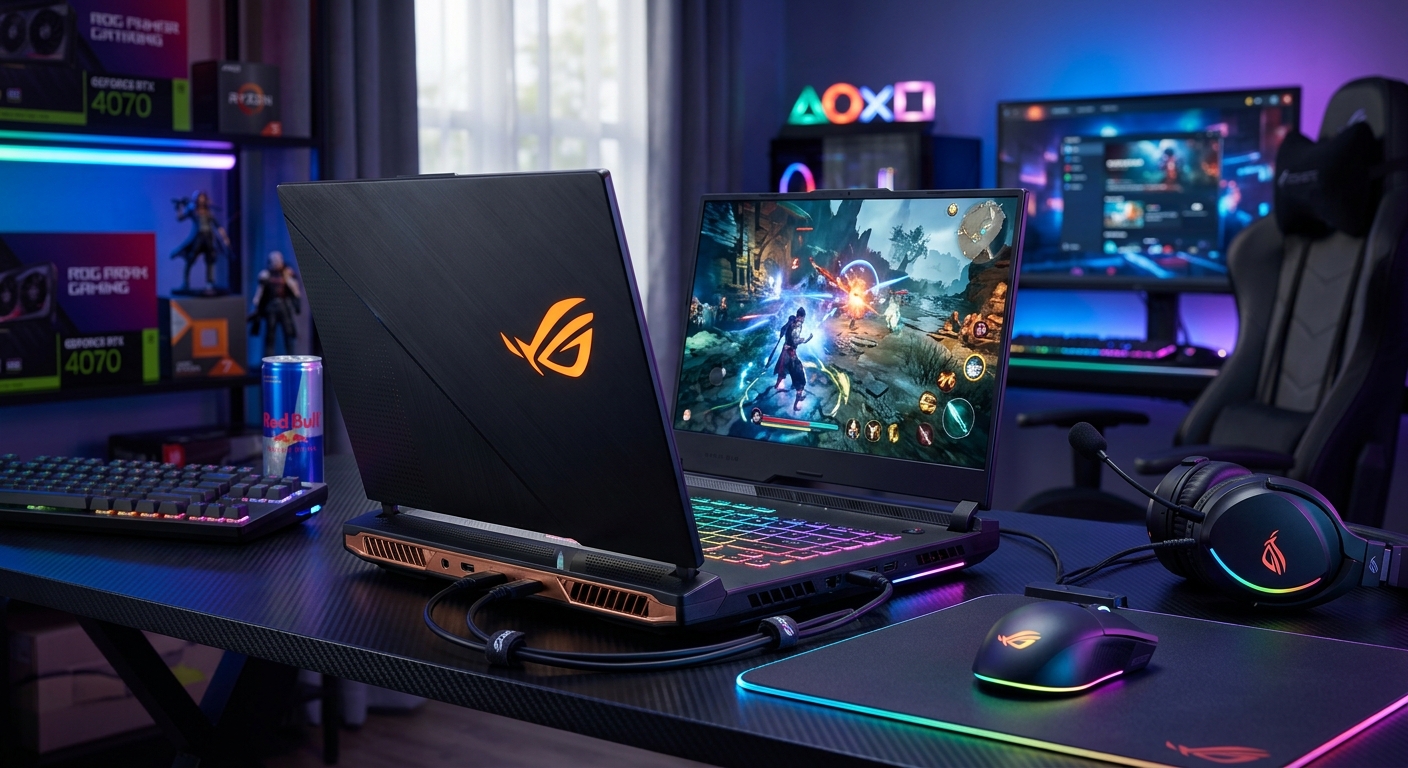
High-end gaming laptops rarely stay at their lowest-ever prices for long. When a well-reviewed model drops significantly, it can be an excellent time to upgrade, especially if you have been waiting for modern graphics performance in a portable machine. This article breaks down why a standout gaming laptop deal is such a big deal, what its specs actually mean in day-to-day use, and how to compare it with other offers on the market.
Using a recent high-profile discount on a premium RTX-powered gaming laptop as inspiration, we will unpack how to think about performance, thermals, display quality, and long-term value. The goal is not to focus on a single product, but to show you how to evaluate similar deals whenever they appear.
Why This Class of Laptop Deal Matters
Gaming hardware tends to depreciate fast, but that is not the whole story. Some models combine strong components, good cooling, and thoughtful design in a way that still feels high-end years later. When one of those laptops hits its lowest recorded price, the value proposition changes dramatically.
- Flagship features at mid-range prices: Discounted premium models often include faster GPUs, better cooling, and superior displays compared with laptops originally built for the same price bracket.
- Longer usable lifespan: A stronger GPU and CPU today helps you run future games at acceptable settings, reducing the need to upgrade again soon.
- Better overall experience: Build quality, keyboard feel, speaker clarity, and port selection are usually better on higher-tier models, even when they are discounted.
Independent testing from outlets such as RTINGS and others consistently shows that GPU tier and thermal performance are among the most important predictors of frame rates and stability in modern PC games.1 That is why a discount on a laptop with a higher-class GPU is often more impactful than a small price cut on a lower-tier machine.
Key Specs That Make a Gaming Laptop Stand Out
When a retailer or manufacturer announces a record-low price on a gaming laptop, the headline usually spotlights the graphics card and processor. Those are important, but they are not the only factors to care about. Below is a quick overview of the specs that tend to define a genuinely strong deal.
1. Graphics Card (GPU)
The GPU is usually the single biggest contributor to gaming performance. NVIDIA’s GeForce RTX 40-series mobile GPUs, for example, offer modern features such as DLSS upscaling and advanced ray tracing support, which can significantly improve visual quality at higher frame rates.2
- Tier matters: An RTX xx70 or xx80-class laptop GPU is substantially faster than an xx50 or xx60-tier in most games, especially at higher resolutions or with ray tracing.
- Power limits: Mobile GPUs are configured with different power budgets (often expressed as TGP or TDP). Higher power limits typically yield higher performance, assuming the cooling system can keep up.
- Feature support: Newer architectures support more efficient ray tracing and frame generation technologies, improving longevity and performance in newer titles.
2. Processor (CPU)
The CPU feeds data to the GPU and handles tasks such as game logic, physics, and background system processes. Current mobile CPUs from AMD and Intel provide many cores and high boost frequencies, which helps in both gaming and productivity work.
- Core count: Modern games benefit from additional cores and threads, but beyond 8 cores, returns can be diminished for pure gaming.
- Single-core performance: High clock speeds and strong single-thread performance are important for high-refresh-rate gaming, especially in competitive titles.
- Efficiency: Newer architectures tend to offer better performance per watt, which helps with thermals and battery life.3
3. RAM and Storage
Memory and storage are easy to overlook, yet they determine how responsive the system feels and how many games you can keep installed.
- RAM: 16 GB is a practical minimum for modern gaming; 32 GB is ideal for heavy multitasking or content creation alongside gaming.
- Storage: A 1 TB NVMe SSD strikes a good balance between speed and capacity. Some deals offer a smaller SSD but leave an empty M.2 slot for easy upgrades.
4. Display
The screen is your primary window into every game you play, and it has a huge impact on the overall experience. Reviews and technical testing regularly show that resolution, refresh rate, and panel quality can make as much difference to perceived smoothness as raw frames per second.1
- Resolution: 1440p (sometimes called 2.5K or QHD) is an excellent sweet spot for modern GPUs, offering sharper visuals than 1080p without the heavy load of 4K.
- Refresh rate: 165 Hz or higher enables smoother motion and better responsiveness in fast-paced games, especially competitive shooters.
- Color and brightness: Good coverage of sRGB or DCI-P3 color spaces and decent brightness help both games and creative work look their best.
How This Type of Deal Compares to Typical Gaming Laptops
To understand why a particular discount is so notable, it helps to compare a premium machine at a sale price with more typical options normally sold in the same price bracket. The table below illustrates the kind of differences you often see between a discounted high-end laptop and an ordinary mid-range gaming laptop at a similar cost.
| Feature | Discounted Premium Laptop | Typical Mid-Range Laptop |
|---|---|---|
| GPU Tier | Higher-tier RTX (e.g., xx70/xx80) | Mid-tier RTX (e.g., xx60) |
| CPU Performance | Newer-gen high-performance CPU | Prior-gen or lower-power CPU |
| RAM & Storage | 16–32 GB RAM, 1 TB NVMe SSD | 16 GB RAM, 512 GB SSD |
| Display | QHD, 165–240 Hz, better color | 1080p, 120–144 Hz, basic color |
| Cooling & Noise | More robust cooling, quieter under load | Smaller cooling system, higher fan noise |
| Chassis & Build | Stronger materials, more rigid | More plastic, flex in keyboard or lid |
Benchmark data from independent testing (for example, by RTINGS and similar labs) typically shows a substantial performance gap between GPU tiers in modern games, especially at higher resolutions and detail settings.1 That is why a higher-tier GPU at a mid-range price can be such a compelling value.
Performance in Real-World Gaming
Specifications are helpful, but what most players care about is real-world performance: frame rates, thermal behavior, and consistency over extended sessions. While results vary between models, a discounted laptop built around a strong RTX GPU and modern CPU generally delivers:
- High settings at 1440p: Current mid-to-high-tier GPUs can run many AAA games at high or ultra settings at 1440p while maintaining smooth frame rates, especially when DLSS or similar technologies are enabled.
- Competitive gaming at high refresh rates: In esports titles, it is common to see frame rates well above 144 FPS, making good use of a 165 Hz or 240 Hz display.
- Stable clocks under load: A more capable cooling system helps reduce thermal throttling, allowing the CPU and GPU to sustain higher performance over time.
Driver updates from GPU vendors also play a role. NVIDIA, for example, frequently releases game-ready drivers that improve performance or stability in newly released titles.2 This ongoing software support extends the useful life of a laptop built on a strong GPU platform.
Thermals, Noise, and Everyday Comfort
High performance is only part of the story; heat and noise can define whether a laptop feels enjoyable to use. More powerful GPUs and CPUs generate more heat, so design and engineering become critical.
- Cooling design: Premium models commonly use multiple heat pipes, dual fans, and larger exhaust vents. This allows them to move more heat without constantly ramping fans to their loudest levels.
- Fan profiles: Many gaming laptops now offer multiple performance modes, letting you choose between maximum performance, balanced operation, or quieter operation with reduced clocks.
- Surface temperatures: Better cooling typically results in more comfortable palm rest and keyboard temperatures, even during long gaming sessions.
Intel and AMD have both emphasized power efficiency and thermal control in recent mobile platforms.3 Combined with thoughtful laptop design, this can make a modern gaming notebook far more comfortable than older models, even at similar performance levels.
Beyond Gaming: Productivity and Content Creation
One of the advantages of buying a higher-spec gaming laptop on sale is that it often doubles as a strong productivity machine. Tasks like video editing, 3D rendering, and software development benefit from extra cores, fast storage, and capable GPUs.
- Creative software acceleration: Many content creation apps, including Adobe Premiere Pro and DaVinci Resolve, use GPU acceleration to speed up tasks like effects, color grading, and encoding.
- Multitasking: Extra RAM and cores allow you to keep more apps open simultaneously—game launchers, browsers, recording software—without bogging down.
- Color-accurate displays: Gaming laptops with better screens can also serve well for photo editing and design work, especially when calibrated.
Export benchmarks from industry-standard creative tools show a clear advantage for systems with strong GPUs and modern multi-core CPUs, particularly when handling 4K video or complex scenes.4
Who Should Consider This Kind of Laptop Deal?
Not every gamer needs a premium machine, even at a reduced price. For some, a budget or lower mid-range laptop is perfectly sufficient, particularly if they play less demanding titles or are fine with lower settings. However, a discounted high-end gaming laptop is especially compelling for:
- Enthusiast gamers: Players who want high frame rates, high settings, and the flexibility to play future AAA releases without immediate compromises.
- Creators who also game: Streamers, video editors, 3D artists, or developers who need strong performance both in and out of games.
- Desktop replacement buyers: Users looking for one powerful system instead of maintaining both a desktop and a laptop.
- Long-term planners: Anyone who prefers to buy once and keep a machine for many years, rather than upgrading frequently.
How to Decide Quickly Before a Deal Disappears
Serious gaming laptop deals, especially on premium models, can sell out or expire quickly. To make a smart decision without rushing blindly, focus on a few core checks:
- Check the GPU tier and power limits: Confirm that the GPU is at the level you want (for example, a higher-tier RTX model) and look for any mention of its power configuration or performance mode.
- Confirm RAM and storage: Aim for at least 16 GB of RAM and a 1 TB SSD if possible, or ensure there are easy upgrade paths.
- Look for credible reviews: Search for professional reviews or lab testing of the specific model line to get a sense of thermals, noise, and display quality.
- Check the return policy and warranty: A solid return window and manufacturer warranty reduce risk if you encounter issues.
- Compare to baseline prices: Briefly compare the quoted price with similar configurations from major brands to ensure the discount is genuinely competitive.
Frequently Asked Questions
Is it better to buy a discounted high-end laptop or a newer mid-range one?
In many cases, a discounted higher-end laptop is the better choice, because GPU and cooling quality have a stronger impact on gaming performance than minor generational updates. A previous-generation high-tier GPU often outperforms a newer mid-tier GPU, especially at higher resolutions and settings.
Will a powerful gaming laptop overheat or throttle?
It depends on the model. Premium designs often have more robust cooling systems that manage heat better than cheaper devices. Independent testing and reviews are important here—look for sustained performance benchmarks, not just short synthetic tests.
How important is the display refresh rate for casual gaming?
For casual players, a 120–144 Hz panel already offers a noticeably smoother experience than 60 Hz. Higher refresh rates (165 Hz and above) are most beneficial for competitive or fast-paced titles where rapid motion clarity matters.
Can I upgrade RAM and storage later?
Many gaming laptops allow RAM and SSD upgrades, but not all. Check the manufacturer’s documentation or reviews to confirm the number of RAM slots and M.2 slots, and whether they are easily accessible.
What about battery life on gaming laptops?
Battery life is typically shorter than on ultrabooks, especially when gaming. However, modern CPUs and GPUs include power-saving modes and integrated graphics that improve battery life for web browsing, streaming, and office work. Expect to plug in for serious gaming sessions, as sustained performance typically requires AC power.
Final Thoughts
When a gaming laptop that reviewers already like drops to its lowest-ever price, it can represent a rare opportunity to get premium-level performance and features for far less than the original cost. The key is to understand the specs that matter most—GPU tier, CPU performance, memory, storage, and display—and to quickly confirm that the model’s thermals, build quality, and warranty meet your needs.
If you keep those criteria in mind, you will be well positioned to spot genuinely excellent deals, whether on the highlighted laptop that sparked this discussion or on the next big discount that comes along.
References
- Best Budget Gaming Laptops 2026 — RTINGS.com. 2026-03-18. https://www.rtings.com/laptop/reviews/best/budget-gaming
- NVIDIA DLSS Technology Overview — NVIDIA Corporation. 2024-01-15. https://www.nvidia.com/en-us/geforce/technologies/dlss/
- Intel Core Mobile Processors Product Brief — Intel Corporation. 2024-02-01. https://www.intel.com/content/www/us/en/products/details/processors/core.html
- AMD Ryzen Mobile Processors for Laptops — Advanced Micro Devices, Inc. 2024-03-12. https://www.amd.com/en/products/processors/laptop-processors
- Hardware Acceleration in Adobe Premiere Pro — Adobe Inc. 2024-04-05. https://helpx.adobe.com/premiere-pro/using/hardware-acceleration.html
Similar Articles








Read full bio of medha deb