Top Gaming Laptops 2026: Power, Portability and Value
A practical 2026 buyer’s guide to gaming laptops, explaining performance, features, and trade-offs across budgets and play styles.
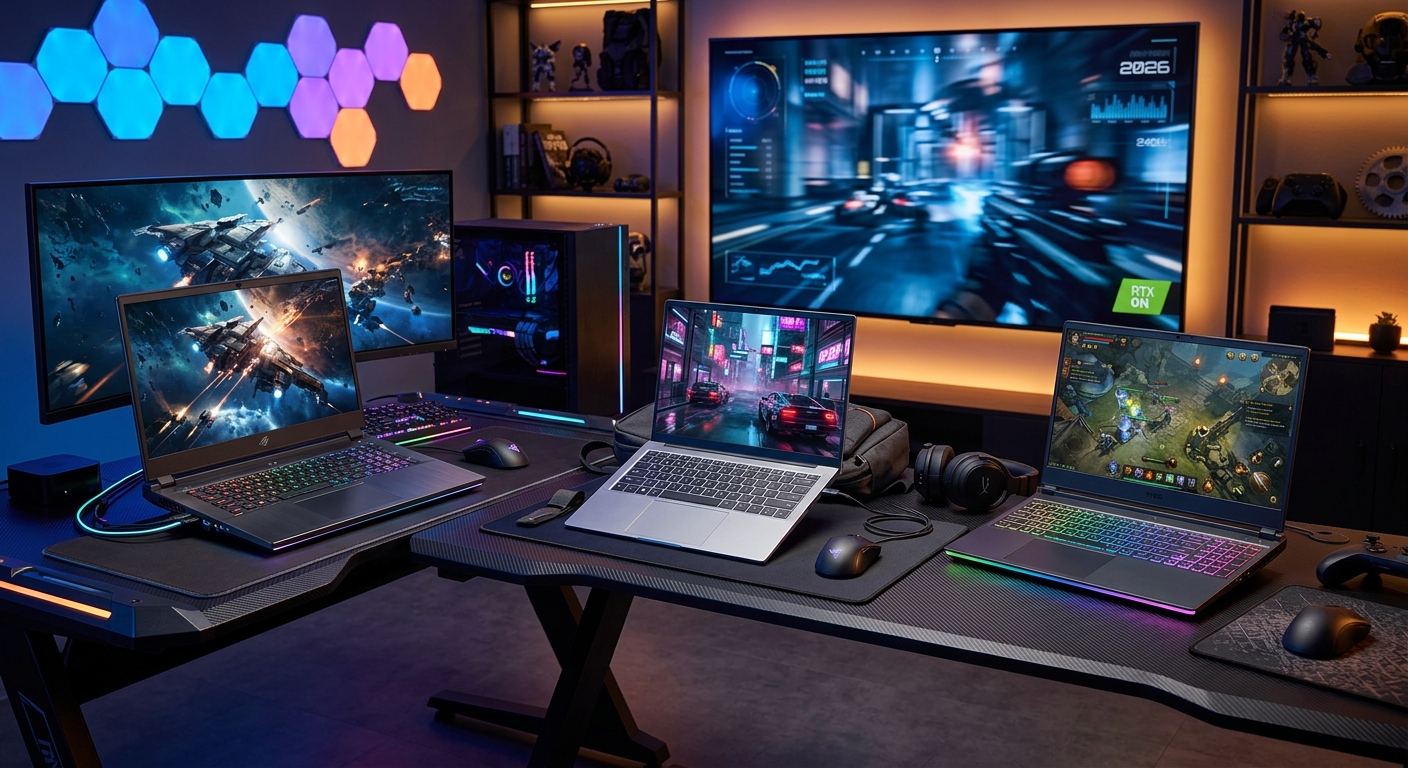
Gaming laptops in 2026 are faster, cooler, and more versatile than ever. Between new-generation GPUs, high-refresh displays, and efficient processors, you can now get desktop-class performance in a machine that still fits in a backpack. But the range of options is overwhelming, and spec sheets rarely tell the full story. This guide walks through the key choices, inspired by hands-on expert testing of the latest gaming notebooks, and helps you figure out which type of laptop really suits your games, budget, and lifestyle.
How Gaming Laptops Have Evolved by 2026
Just a few hardware generations ago, gaming laptops were bulky, loud, and often hotter than they should have been. Modern models take a different approach: they use more efficient silicon, smarter cooling designs, and displays optimised for high frame rates. You no longer have to choose between performance and portability in such a rigid way, but you do have to understand the trade-offs.
- Better performance per watt: Recent mobile CPUs and GPUs deliver more frames with lower power draw, which improves battery life and reduces heat.
- Higher refresh displays as standard: 144Hz or 165Hz panels are common, with 240Hz+ on premium rigs for competitive play.
- More sophisticated cooling: Vapour chambers, liquid metal, and redesigned fan paths help sustain boost clocks longer.
- Hybrid usage: Many systems are now positioned as both gaming and creator laptops, thanks to strong CPU and GPU acceleration for content work.
At the same time, official benchmarking tools and industry-standard tests have matured. Benchmarks like 3DMark and real-game performance metrics are widely used in reviews, helping you compare models more reliably than ever before.1
Key Specs That Actually Matter
Spec sheets can be noisy, but a handful of specs are core to gaming performance and experience. Understanding them will help you quickly filter hundreds of models down to a shortlist.
CPU: Why Processor Choice Still Counts
The CPU affects frame rates in CPU-heavy games (strategy titles, MMOs, large open-worlds) and general responsiveness. In 2026 you will commonly see multi-core processors from Intel and AMD designed for mobile gaming.
Focus on:
- Core count: 6–8 cores is a sensible baseline for gaming and streaming; 12+ helps with heavy multitasking and creator workloads.
- Boost clocks: Higher sustained boost frequencies improve performance in games that only use a few cores.
- Efficiency: More efficient architectures give you higher performance within laptop power limits and better battery life.
Modern mobile processors are built on advanced process nodes (such as Intel 7 or TSMC 4/5 nm), which generally improves performance per watt compared to older generations.2
GPU: The Heart of the Gaming Experience
No component has more impact on gaming frame rates than the discrete GPU. Current gaming laptops commonly feature mobile variants of NVIDIA GeForce RTX 40-series or their contemporaries.
Important GPU considerations:
- GPU tier: Aim for a mid-range or better GPU if you want smooth 1080p or 1440p at high settings.
- Power limits (TGP): The same GPU name can perform differently depending on its configured wattage. Higher TGP usually means higher performance but more heat.
- Upscaling features: Technologies like NVIDIA DLSS or similar vendor-specific upscalers can boost performance by rendering at lower resolution and upscaling to your display’s native resolution.3
- Ray tracing: Nice to have for visual fidelity, but it is still demanding. Consider it a bonus feature rather than a must-have if you are on a tight budget.
Memory (RAM) and Storage
RAM and storage won’t raise your maximum FPS as dramatically as a GPU upgrade, but they influence load times, stuttering, and overall responsiveness.
- RAM capacity: 16GB is the practical minimum for gaming in 2026; 32GB is more comfortable for creators and heavy multitaskers.
- RAM type: DDR5 offers better bandwidth than DDR4, which is beneficial to modern CPUs and iGPUs.
- Storage: A 512GB SSD fills quickly. 1TB+ is recommended if you install multiple AAA games at once, many of which can exceed 100GB.
- Upgrade paths: Check how many RAM slots and M.2 slots are available and whether they are accessible.
Solid-state drives based on PCI Express (PCIe) standards deliver significantly faster load times than older SATA-based drives, which is why PCIe SSDs are now standard in gaming notebooks.4
Display Choices: Resolution, Refresh Rate, and Panel Tech
The display is what you actually look at, so its characteristics can be just as important as raw performance numbers.
Resolution vs. Refresh Rate
Most gaming laptops fall into three main resolution categories:
- 1080p (Full HD): Easier on the GPU, ideal for high-refresh competitive play.
- 1440p (QHD / 2K-class): A sweet spot between clarity and performance for many users.
- 4K (UHD): Beautiful but demanding; better suited to large panels and creator use than pure high-FPS gaming.
Refresh rate options typically range from 144Hz to 360Hz. For most people, 144–165Hz is enough to enjoy noticeably smoother motion than 60Hz, especially in shooters and racing titles. Competitive players may seek 240Hz or more, but only if the GPU can realistically drive those frame rates at your chosen settings.
Panel Types, Color, and Response Time
Two major panel technologies dominate gaming laptops:
- IPS-type LCD: Good color and viewing angles, widely used. Many models now cover a wide color gamut suitable for photo/video work.
- OLED: Exceptional contrast and response times with deep blacks, great for visually rich games and content consumption. Potential trade-offs include higher cost and, in some cases, risk of image retention if static HUD elements are displayed for many hours.
You should also look at:
- Response time: Lower is better to minimize ghosting in fast-paced games.
- Adaptive sync: Technologies like FreeSync or G-SYNC reduce screen tearing by matching refresh rate to frame rate.
- Brightness: Around 300 nits is adequate indoors; more brightness helps in sunlit rooms or on the go.
Building a Laptop Around Your Play Style
Rather than chasing the single “best” gaming laptop, it is more useful to think in categories. Below is a table summing up typical user types and the configurations that make sense for them.
| User Type | Typical Screen | CPU & GPU Focus | Key Priorities |
|---|---|---|---|
| Competitive multiplayer | 1080p, 240Hz+ | High-frequency CPU, mid–high GPU | High FPS, low latency, responsive keyboard |
| Story-driven AAA gamer | 1440p, 144–165Hz | Balanced high-end CPU & GPU | Visual quality, stable 60–120 FPS, good speakers |
| Creator & gamer hybrid | 1440p or 4K, color-accurate | Multi-core CPU, strong GPU & VRAM | Color accuracy, render times, RAM capacity |
| Portable student gamer | 1080p, 120–144Hz | Efficient CPU, mid-range GPU | Battery life, weight, price |
| Budget-conscious player | 1080p, 120Hz | Entry–mid GPU, 6–8 core CPU | Value, upgradability, thermal control |
Cooling, Noise, and Long-Term Reliability
Performance on paper does not matter if the laptop cannot maintain it safely under load. Thermals and noise play a big role in long-term reliability and day-to-day comfort.
- Cooling systems: Vapour chambers, multiple heat pipes, and dedicated GPU/CPU fans help sustain boost clocks.
- Fan curves and modes: Many laptops include performance, balanced, and quiet modes that change power targets and fan speeds.
- Surface temperatures: A laptop may benchmark well but feel uncomfortable on the keyboard deck or underside during long sessions.
- Dust management: Cleaner airflow improves cooling; some designs feature dust filters or easily accessible internals for maintenance.
Heat is one of the major aging factors for electronics; designing for proper thermal management is critical for long-term reliability, as recognised in engineering standards covering environmental conditions for electronics.5
Input, Build, and Everyday Usability
A gaming notebook doubles as a general-purpose computer for most people, so input and build quality matter as much as FPS.
Keyboard and Trackpad
- Key travel: A comfortable travel distance helps for both typing and gaming.
- Layout: Check for full-size arrow keys and sensible function row shortcuts.
- Backlighting: Single-zone lighting is fine; per-key RGB is a bonus but not essential.
- Trackpad: Should be accurate and smooth, even if you primarily use a mouse for gaming.
Ports and Connectivity
Look for a mix that supports your gear without constant dongles:
- USB-A ports for older peripherals
- USB-C / Thunderbolt for fast storage and docking
- HDMI or DisplayPort for external monitors
- Ethernet for stable online gaming, if you play competitive titles
- Modern Wi‑Fi standards (such as Wi‑Fi 6/6E and beyond) for faster and more reliable wireless connectivity
Newer Wi‑Fi standards substantially improve throughput and latency, which can benefit online gaming when paired with a capable router.6
Budget Tiers: What to Expect for Your Money
Prices vary by region and retailer, but general expectations by tier are fairly consistent.
Entry-Level Gaming Laptops
These models aim to deliver decent 1080p performance without breaking the bank.
- 1080p display at 120Hz
- Mid-range GPU suitable for medium-to-high settings in most games
- 16GB RAM and 512GB–1TB SSD
- Plastic-heavy build, but still reasonably sturdy on reputable brands
They are ideal for students, casual players, and users upgrading from an aging console or low-end laptop.
Mid-Range All-Rounders
This is the sweet spot for most people.
- 1080p or 1440p display at 144–165Hz
- Well-balanced CPU and GPU to handle modern AAA games at high settings
- 16–32GB RAM, 1TB SSD, and decent upgrade options
- Improved cooling and build quality, often with metal elements
These laptops can double as powerful work machines, handling everything from video editing to software development comfortably.
High-End Portable Powerhouses
Premium gaming laptops pack top-tier GPUs, high-refresh QHD/4K displays, and higher-end materials.
- 1440p or 4K display, often at 240Hz or higher
- High-end GPU allowing ray tracing and ultra settings at strong frame rates
- 32GB or more RAM, fast SSD storage, sometimes multiple drives
- Advanced cooling solutions and premium build materials
They target enthusiasts, streamers, and creators who need desktop-class performance in a laptop form factor.
Practical Buying Checklist
Before you commit to a gaming laptop, run through this quick checklist:
- Does the GPU realistically match the resolution and refresh rate of the screen?
- Is there at least 16GB of RAM and 1TB of SSD storage, or easy upgrade paths?
- Are thermal reviews and long-session performance solid, not just short benchmarks?
- Do the keyboard, trackpad, and port selection fit how you actually use a computer?
- Is the size and weight acceptable for how often you will carry it?
- Is the warranty and after-sales support in your region reliable?
Frequently Asked Questions
Is a gaming laptop better than a desktop PC?
Neither is strictly better; they serve different needs. Desktops still offer more performance per dollar and better upgrade options. Gaming laptops trade some value and upgradability for portability and convenience. If you move between rooms, travel, or attend LAN events frequently, a gaming notebook may be worth the premium.
How much RAM do I really need for gaming in 2026?
For purely gaming-focused use, 16GB of RAM is still sufficient for most titles, though 32GB gives you more headroom for future releases and running background apps like chat clients, recording software, or browser tabs while you play. Creators working with high-resolution footage or heavy projects will benefit from 32GB or more.
Is 4K worth it on a gaming laptop?
4K can look stunning, but it is demanding on mobile GPUs and often limited to larger screens. For many players, a high-refresh 1440p panel offers a more practical balance between visual sharpness and frame rate, especially if you play fast-paced games. 4K makes more sense if you spend a lot of time on photo and video work and play less demanding titles.
Can I upgrade the GPU in a gaming laptop?
In most traditional gaming laptops, the GPU is soldered to the motherboard and not user-upgradeable. You can often upgrade RAM and storage, which can extend useful lifespan, but if you anticipate wanting significantly more graphics power later, consider buying a slightly stronger GPU now rather than planning to upgrade it later.
How important is battery life for a gaming laptop?
During intensive gaming on the dGPU, most laptops will deplete the battery quickly; for serious play you usually want to be plugged in. Battery life matters more for everyday tasks like browsing, office work, or media. If you plan to use the laptop at university or during travel, aim for models that review well for efficiency and offer hybrid graphics modes that switch to integrated graphics when you are not gaming.
Conclusion: Matching the Laptop to the Player
The best gaming laptop in 2026 is not a single model but the one that aligns with your priorities. Competitive players should prioritise fast CPUs and high-refresh 1080p displays, story-focused gamers will appreciate 1440p visual fidelity and strong GPUs, and hybrid creator-gamers need color-accurate screens and plenty of RAM. Understanding how CPUs, GPUs, displays, thermals, and build quality interact gives you the tools to cut through marketing and pick the system that will still feel fast and enjoyable several years from now.
References
- DLSS 3: A New Era of AI-Powered Graphics — NVIDIA. 2022-09-20. https://www.nvidia.com/en-us/geforce/technologies/dlss/
- Intel 7 Process Technology — Intel. 2021-07-26. https://www.intel.com/content/www/us/en/newsroom/news/intel-accelerated.html
- PCI Express (PCIe) Base Specification Revision 5.0 — PCI-SIG. 2019-05-28. https://pcisig.com/specifications/pciexpress
- Real-Time Ray Tracing — Microsoft DirectX Developer Blog. 2018-03-19. https://devblogs.microsoft.com/directx/announcing-microsoft-directx-raytracing/
- IEC 60721-3-3: Classification of Environmental Conditions — International Electrotechnical Commission. 2019-02-01. https://webstore.iec.ch/publication/60436
- Wi‑Fi 6 (802.11ax) Technology Overview — Wi‑Fi Alliance. 2021-01-15. https://www.wi-fi.org/discover-wi-fi/wi-fi-certified-6
Similar Articles







Read full bio of Sneha Tete