Top Xbox Series X Headsets for Every Budget
Discover the best wired and wireless Xbox Series X gaming headsets for sound quality, comfort, chat clarity, and value in every price range.
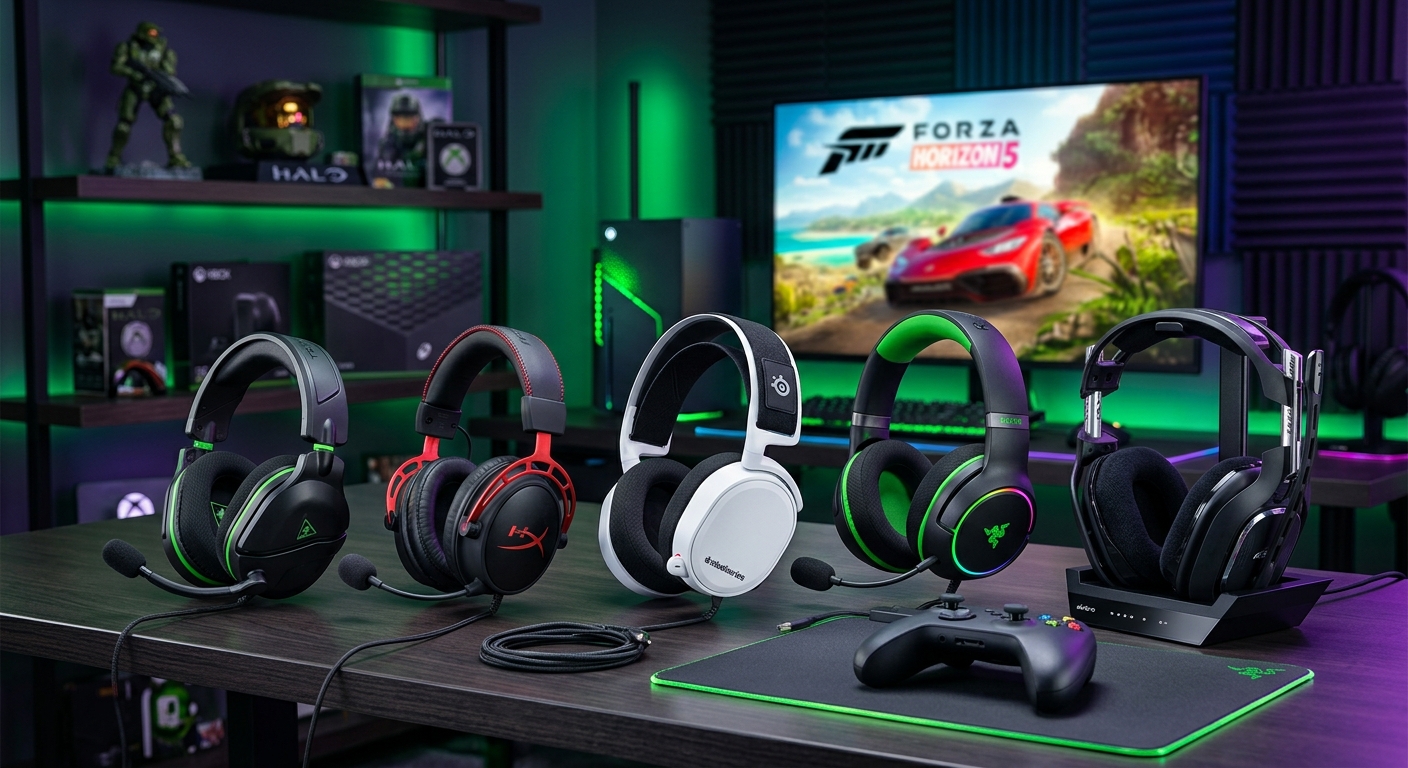
Choosing a great headset for Xbox Series X can transform how your games feel. Explosions hit harder, footsteps become easier to track, and team chat actually sounds like human voices instead of distant static. The challenge is that there are dozens of options, all promising “immersive sound” and “next‑gen audio”. This guide breaks down what actually matters, then walks through the main types of Xbox Series X headsets, with examples of who they suit best.
This article uses the kind of models and categories you might see in expert roundups—premium wireless Xbox headsets, budget wired options, Dolby Atmos‑ready sets, and more—but reorganizes and explains them in a fresh, practical way. The focus is on helping you match a headset to your budget, your audio expectations, and the way you actually play.
Understanding Xbox Series X Audio Features
Before diving into specific headset types, it helps to understand how Xbox Series X handles audio and why some labels, like “Designed for Xbox” or “Dolby Atmos”, matter.
What “Designed for Xbox” Really Means
Many headsets carry the “Designed for Xbox” badge. This is a licensing and certification program run by Microsoft to ensure accessories work reliably on Xbox consoles and support features like console power‑on, game/chat mix, and system‑level audio controls. Official information from Microsoft notes that compatible accessories use the Xbox Wireless protocol or plug‑and‑play wired connections, so they connect without dongles or complicated setup.1
For you, this typically means:
- Plug‑and‑play pairing with Xbox Series X and Series S
- System UI integration (volume, mute indicators, audio settings)
- Lower risk of weird disconnects or firmware issues
Non‑licensed headsets can still work, but may rely on USB dongles or only support basic stereo audio via 3.5 mm jacks.
Spatial Audio: Dolby Atmos, DTS Headphone:X, and Windows Sonic
Xbox Series X supports several spatial audio formats at the system level:
- Windows Sonic – Built‑in and free; offers virtual surround for any stereo headset.
- Dolby Atmos for Headphones – App‑based; requires a license purchase after a trial period.
- DTS Headphone:X – Another app‑based spatial audio system that uses its own profiles.
Dolby Atmos is particularly popular for games because it can place sound in 3D space above, behind, and around you when titles support it. Dolby explains that this approach is object‑based: each sound has positional metadata that the engine renders over your headphones for more precise cues.2
Important points:
- Any stereo headset can technically use Atmos or DTS via the Xbox audio settings.
- Some headsets include an Atmos or DTS license code, which saves you the app purchase.
- Spatial audio works best when combined with clear sound and a balanced tuning, not just boosted bass.
Xbox Wireless vs. USB vs. 3.5 mm
There are three main ways headsets connect to Xbox Series X:
- Xbox Wireless – Uses the same proprietary radio tech as Xbox controllers. It connects directly to the console without a USB dongle and can offer lower latency than standard Bluetooth.1
- USB wireless dongle – Many headsets use a 2.4 GHz USB transceiver. This is common for headsets designed to work on multiple platforms, including PC and PlayStation, and it usually provides low‑latency audio as well.3
- 3.5 mm analog cable – The simplest option. Plug into the controller’s headphone jack and you’re ready to go, though you won’t get wireless features or onboard mixing controls.
Key Factors to Consider Before Buying
Every gaming headset makes trade‑offs between sound, comfort, features, and price. Knowing which aspects you care about most will make your choice much easier.
Audio Quality and Tuning
Headsets are not just about volume; the tuning matters a lot. Review labs that test headphones across platforms consistently find that gaming headsets favor boosted bass and upper mids for impact and clarity, but differ in how refined that boost is.3 For Xbox players, the main things to look for are:
- Footstep and directional clarity – Emphasized mids and highs help highlight positional cues in shooters.
- Dialogue intelligibility – Important for story‑heavy games; this depends on midrange balance.
- Controlled bass – Punchy enough for explosions and engines, but not so boomy that it masks details.
Comfort for Long Sessions
If you routinely play in multi‑hour sessions, comfort is arguably more important than micro‑details in sound. Factors include:
- Weight – Lighter headsets reduce neck fatigue during long gaming sessions.
- Clamp force – Enough to stay put, but not so tight that it causes headaches.
- Materials – Memory foam and soft fabric or leatherette can be more comfortable than thin pads.
- Breathability – Mesh fabrics and open‑back designs can feel cooler, but open‑back models leak sound.
Microphone and Chat Experience
Clear voice chat can make or break online play, especially in competitive modes. Consider:
- Noise‑reduction – Some mics use directional patterns and onboard processing to reduce keyboard or fan noise.
- Flip‑to‑mute or button mute – Physical controls are quicker and more reliable than digging into menus.
- Detachable vs. integrated mic – Detachable booms are handy if you also use the headset for music on the go.
Battery Life and Charging
Wireless headsets vary widely in battery life. Some modern units push well over 30 hours, while others barely reach 15hrs with features like RGB lighting or advanced processing enabled.3 Look for:
- Realistic play‑time with your usual volume level
- USB‑C charging for convenience
- Ability to play while charging (not all headsets allow this on Xbox)
Cross‑Platform Flexibility
If you also game on PC, PlayStation, or Switch, cross‑platform support is crucial. Some headsets offer:
- 2.4 GHz wireless for Xbox plus Bluetooth for mobile or laptop
- Multiple connections at once (chat on phone, game on Xbox)
- USB and 3.5 mm cables for connecting to almost anything
| Connection Type | Latency | Ease of Use | Cross‑Platform |
|---|---|---|---|
| Xbox Wireless | Very low | Excellent (no dongle) | Limited to Xbox / some PC adapters |
| 2.4 GHz USB Dongle | Low | Good (one‑time pairing) | Strong (PC, some consoles) |
| 3.5 mm Wired | Very low | Excellent (plug‑and‑play) | Universal |
| Bluetooth (audio only) | Higher, variable | Good, but not ideal for gaming | Excellent across phones & tablets |
Best Xbox Series X Headset Types
Instead of focusing on a strict ranking, it’s more helpful to group Xbox Series X headsets by use case. Below are the main categories you’ll see, with notes for the kind of player each suits best.
1. Premium Wireless Xbox Headsets
These are the high‑end models designed to do it all: strong sound, comfortable design, long battery life, and usually some form of spatial audio support. They’re ideal for players who spend many hours in online games and want a long‑term investment in their setup.
Typical highlights of premium wireless Xbox headsets include:
- Xbox Wireless or low‑latency 2.4 GHz connectivity
- 30+ hours battery life in many recent models3
- High‑quality microphones with noise suppression
- On‑ear controls for chat mix, volume, and mute
- Support for Dolby Atmos or DTS (often via bundled licenses)
A good premium headset will give you enough detail to hear subtle movement in competitive shooters while also sounding rich and cinematic in story‑driven games. Many also double as respectable music headphones, if you’re willing to tweak EQ in companion apps.
2. Mid‑Range Wireless for Everyday Gaming
Mid‑tier models tend to hit the sweet spot for most Xbox Series X owners. They sacrifice a bit of premium build or ultra‑long battery life to keep their price more accessible, but still deliver strong audio and wireless freedom.
Expect features like:
- Xbox Wireless or USB dongle connection
- 15–30 hours of battery on a charge
- Comfortable padding and adjustable headbands
- Flip‑to‑mute boom mics
- Decent app support for EQ and firmware updates (on supported platforms)
For most players who run nightly sessions of multiplayer or enjoy a mix of genres, a mid‑range wireless headset offers the best balance between cost and performance.
3. Budget Wireless Options
Budget wireless headsets are attractive if you want to cut the cable without breaking the bank. They are usually lighter on premium materials—more plastic, simpler hinges—and sometimes have more basic microphones or shorter battery life.
Pros:
- Affordable entry point to wireless gaming
- No cable tugging when you move
- Easy pairing and basic controls
Trade‑offs:
- More modest soundstage and detail
- Mic quality that’s fine for casual chat but not streaming‑grade
- Fewer advanced features like dual‑wireless or ANC
4. Best Wired Headsets for Xbox Series X
Wired headsets remain a strong option, especially if you’re sensitive to latency or just don’t want to ever think about charging. Because you’re not paying for wireless electronics, more of the budget can go into drivers, materials, and comfort.
Key benefits:
- Zero battery anxiety—just plug into the controller
- Consistently low latency
- Often better sound quality per dollar than wireless
- Excellent cross‑platform compatibility via 3.5 mm
Wired models are a great fit for competitive players and anyone who splits their gaming time across Xbox, PC, and mobile devices.
5. Audiophile‑Style Headsets and High‑End Sound
A small but growing segment of Xbox players use more audiophile‑oriented headsets or traditional headphones with attached boom mics. Some newer high‑end gaming headsets use planar magnetic drivers, which can offer lower distortion and more precise transients compared with typical dynamic drivers.4 This can translate into cleaner bass and more accurate positional cues when combined with good game mixes.
These headset types often feature:
- Extremely detailed, balanced tuning
- Large over‑ear pads and strong build quality
- Detachable or broadcast‑style microphones
- Premium pricing targeting enthusiasts
If you listen critically to music and care deeply about audio fidelity, these headsets can serve as both your primary music headphones and your main Xbox Series X gaming headset.
6. Dolby Atmos‑Ready Headsets
Some headsets are marketed specifically around Dolby Atmos support and may include a license code redeemable in the Xbox Dolby app. While the Atmos processing runs at the system level and can technically be used with any stereo headset, bundled licenses make it easier to try and adopt.
What makes a good Atmos‑oriented headset?
- Balanced stereo response so that height and surround effects are clear
- Comfortable fit for long cinematic gaming sessions
- Good soundstage (the sense of space and separation between instruments or effects)
With a well‑tuned headset, Atmos can enhance both directionality in competitive games and immersion in single‑player blockbusters, especially when developers have authored soundtracks specifically for Atmos.
How to Choose the Right Xbox Series X Headset for You
Instead of chasing the single “best” headset, it’s more practical to match models to your actual use cases and constraints.
Step 1: Define Your Budget Range
Start by deciding what you’re truly willing to spend. As a rough guide:
- Entry‑level: Affordable wired or basic wireless headsets that prioritize function over extras.
- Mid‑range: Wireless headsets with solid audio, comfort, and a few premium touches.
- Premium: Flagship headsets with the best materials, batteries, and sound, sometimes with audiophile‑grade components.
Step 2: Decide How Important Wireless Is
If you sit close to your TV or monitor and don’t mind a cable plugged into your controller, a wired headset is often the best value. If you move around a lot, play from a couch, or just dislike cords, wireless is worth the extra cost and maintenance.
Step 3: Prioritize Either Competitive Edge or Cinematic Immersion
While many headsets do both reasonably well, your main focus might tilt you toward certain designs:
- Competitive multiplayer – Look for clear mids and highs, strong directional cues, low latency, and a good mic.
- Single‑player immersion – Favor richer bass, comfortable fit, and spatial audio like Atmos or DTS.
Step 4: Check Platform Compatibility
If you play exclusively on Xbox, an Xbox Wireless headset may offer the cleanest experience. If you regularly switch between PC and Xbox, or also rely on your headset for work calls, a model with both 2.4 GHz and Bluetooth can simplify your setup.
Step 5: Read Lab‑Based Reviews When Possible
Subjective opinions can be helpful, but it’s worth consulting measurements from specialized labs. Sites that test headsets across multiple platforms measure frequency response, mic quality, and latency to compare headsets on a more objective basis.3 Combine this data with your own preferences to finalize a purchase.
Frequently Asked Questions
Do I need a special headset for Xbox Series X?
No. Any headset with a 3.5 mm jack can plug into your Xbox controller and work immediately. However, headsets specifically designed for Xbox often support extra features like Xbox Wireless connectivity, chat mixing, and system‑level audio controls, making them more convenient.
Is Dolby Atmos worth it on Xbox?
It can be, especially if you enjoy cinematic single‑player games or want the most precise positional audio in supported titles. Dolby Atmos for Headphones uses object‑based audio to place sounds around and above you, which many players find more immersive than standard stereo.2 There’s usually a trial, so you can test it with your existing headset before buying a license.
Can I use Bluetooth headphones directly with Xbox Series X?
Not for low‑latency game audio. Xbox Series X does not stream game sound directly over standard Bluetooth like many phones do. Some headsets include a base station or dongle that connects to Xbox while also offering Bluetooth separately for phones, but the Bluetooth link is usually for secondary devices, not the console itself.1
How long should an Xbox gaming headset last?
With normal use, a well‑built headset can last several years. The most common wear points are ear pads and headband padding, which may flatten over time. Many mid‑range and premium headsets use replaceable pads, allowing you to refresh comfort without replacing the entire unit.
Are open‑back headsets good for Xbox?
Open‑back designs can sound more spacious and natural, which some players love for immersion. The downside is that they leak sound both ways: people nearby will hear your game, and you’ll hear room noise more easily. If you share a living space or play late at night, closed‑back headsets are more practical.
Final Thoughts
The best Xbox Series X headset for you depends far more on your habits and priorities than on any single spec. Competitive players might favor lightweight wired or low‑latency wireless models with crisp, analytical sound and a strong microphone. Story fans may prefer a plush, wireless Atmos‑ready headset that turns every game into a cinema‑style experience.
By understanding how Xbox Series X handles audio, what features really matter, and where wired or wireless options excel, you can confidently choose a headset that keeps up with your gaming for years to come—without wasting money on specs you’ll never use.
References
- Use accessories designed for Xbox — Microsoft. 2024-03-18. https://support.xbox.com/en-US/help/hardware-network/accessories/accessories-designed-for-xbox
- Dolby Atmos for Headphones on Xbox and Windows — Dolby Laboratories. 2023-11-10. https://www.dolby.com/technologies/dolby-atmos/xbox/
- The 6 Best Headsets For Xbox Series X/S – Spring 2026 — RTINGS.com. 2026-04-05. https://www.rtings.com/headphones/reviews/best/xbox-series-x
- Planar Magnetic vs Dynamic Drivers in Headphones — Audio Engineering Society (AES Journal overview). 2022-09-15. https://aes2.org/publications/
Similar Articles








Read full bio of Sneha Tete